How to change your password in Mailchimp
Here is how to change your password in mailchimp
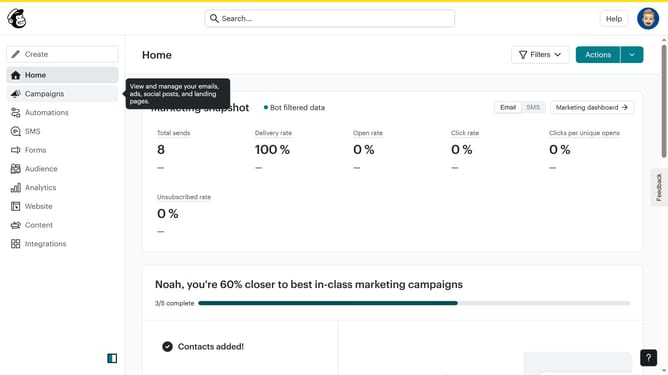
- First click on the user avatar in the top-right corner of the header
- Then select the "Profile" option from the dropdown menu
- Enter your current password in the verification field
- Enter your new password that meets all the security requirements
- Re-enter your new password in the confirmation field
- Finally click the "Update" button in the password section
Why should you change your password in Mailchimp
Mailchimp, a leading email marketing platform, empowers businesses to effectively manage their marketing communications.
Changing your password in Mailchimp is a fundamental feature that enhances account security. By regularly updating your password, you safeguard your sensitive information against unauthorized access.
This process is straightforward and designed to provide peace of mind. It ensures that your marketing campaigns continue to run smoothly without disruption.
Utilizing this feature underscores your commitment to maintaining a secure and protected online environment.
Last update