How to create a survey form in Mailchimp
Here is how to create a survey form in mailchimp
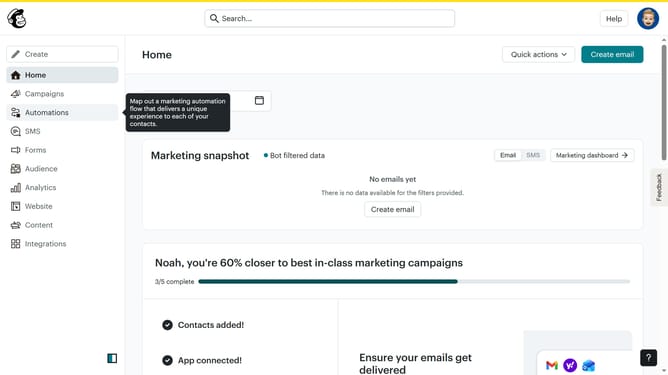
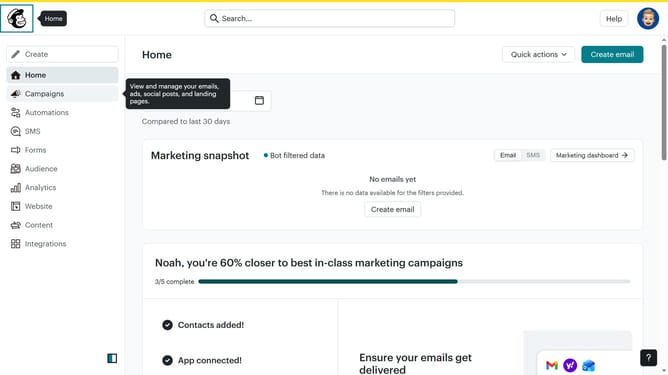
- First click on "Audience" item in the left sidebar menu
- Then click on "Surveys" link in the expanded Audience menu
- Next click on "Create new survey" button in the top right corner
- Then click on the survey name input field
- Next enter "Sample Survey" in the survey name field
- Then click on the Audience dropdown menu
- Finally click on "Begin" button to start creating the survey
Why should you create a survey form in Mailchimp
Mailchimp is a versatile marketing platform that streamlines the creation and management of email campaigns.
Creating a survey form in Mailchimp is an intuitive feature that helps gather valuable feedback directly from your audience. This feature allows you to design custom surveys effortlessly, focusing on understanding customer needs and preferences.
By using Mailchimp to create survey forms, businesses can enhance engagement, refine strategies, and foster stronger client relationships. This feedback-centric approach ensures that services and products continually meet market expectations.
Last update