How to change your profile picture in Mailchimp
Here is how to change your profile picture in mailchimp
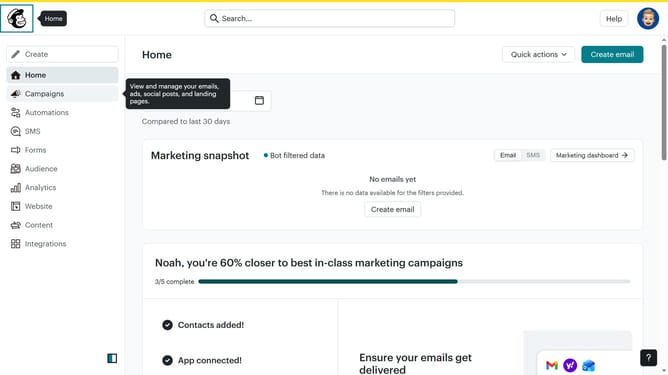
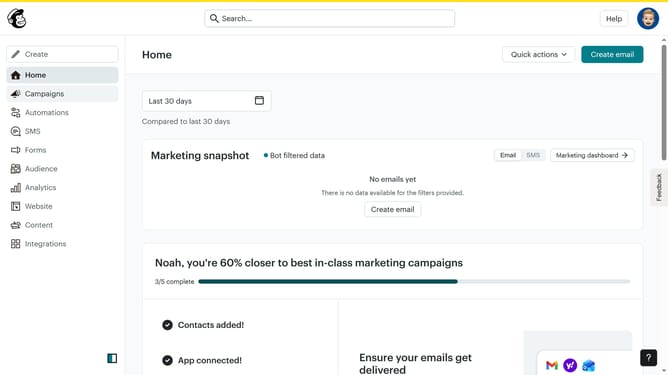
- First click on the account avatar in the top-right corner of the header
- Then click on the "Profile" option in the dropdown menu
- Finally click on the "Upload Photo" button in the profile photo section to input a picture
Why should you change your profile picture in Mailchimp
Mailchimp is a versatile marketing platform designed to help you manage and communicate with your clients effectively.
Changing your profile picture in Mailchimp is a valuable feature that allows you to personalize your account, giving a face to your communications. A customized profile picture can enhance brand recognition and build trust with your audience, ensuring your communication is not only memorable but also authentic.
Updating your profile image is an easy way to maintain a professional and engaging presence, reinforcing your brand identity effortlessly across communications.
Last update