How to change the button inside text font size in a free email campaign in Mailchimp
Here is how to change the button inside text font size in a free email campaign in mailchimp
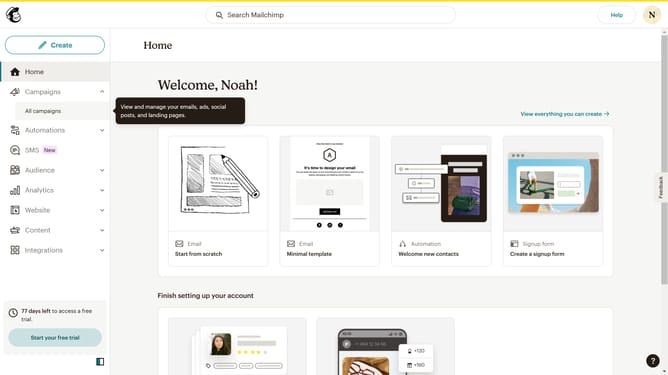
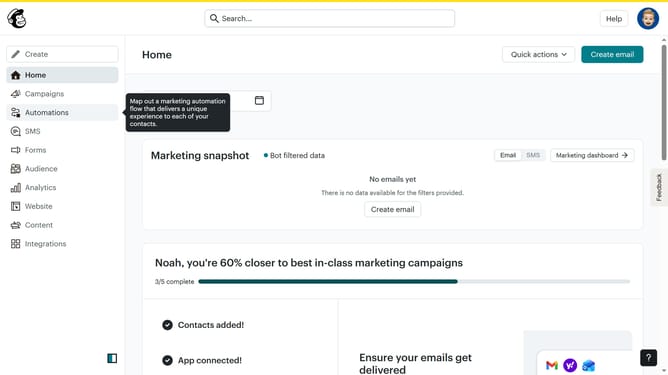
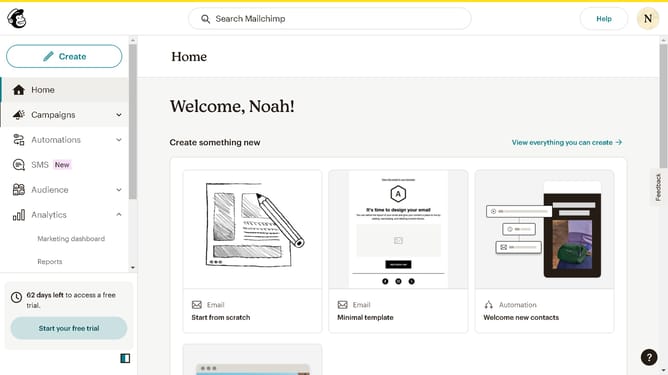
- First click on the "Campaigns" item in the left sidebar
- Then click on the "Edit" button
- Next, click on the "Edit design" button at the bottom of the page
- Then click on the "Styles" item in the left sidebar
- After that, select "Button" in the Styles sidebar
- Finally click on the up or down arrow button to increase or decrease the button font size
Why should you change the button inside text font size in a free email campaign in Mailchimp
Mailchimp is a powerful and versatile tool for creating effective email marketing campaigns with ease.
Adjusting the button inside text font size in a free Mailchimp email campaign is a straightforward yet impactful feature. It allows you to ensure that your call-to-action buttons are not only visually appealing but also highly legible across different devices.
By customizing the font size, you enhance both the design and functionality of your campaign, leading to better user engagement and higher conversion rates.
Making such visual adjustments can significantly boost the effectiveness of your email marketing efforts by improving the reader's overall experience.
Last update