How to download Mailchimp email as PDF
Here is how to download mailchimp email as pdf
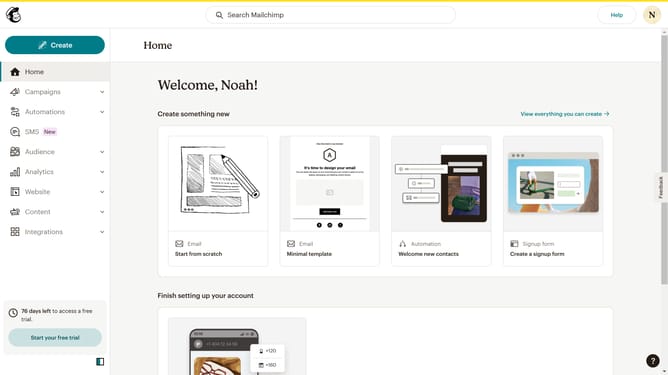
- First click on "All campaigns" in the left sidebar menu
- Then click the dropdown button in the "Actions" column next to the untitled campaign
- Click "View email" option from the dropdown menu
- Right click anywhere in the blank space of the email template area
- Click on "Print" option in the browser's context menu
- Select "Save as PDF" from the destination dropdown
- Finally click the "Save" button in the print dialog
Why should you download Mailchimp email as PDF
Mailchimp is a leading platform that empowers businesses to create and execute dynamic marketing campaigns effortlessly.
One key feature in Mailchimp is the ability to download emails as PDFs. This functionality is essential for archiving campaigns, allowing you to maintain a clear record of your communications.
Having emails in PDF form can enhance collaboration by easily sharing with team members who can review and discuss strategies. It also improves accessibility, as PDFs are easily viewable across all devices and platforms.
Creating PDFs from Mailchimp emails ensures that your content retains its original format and integrity, preserving brand identity consistently.
Last update