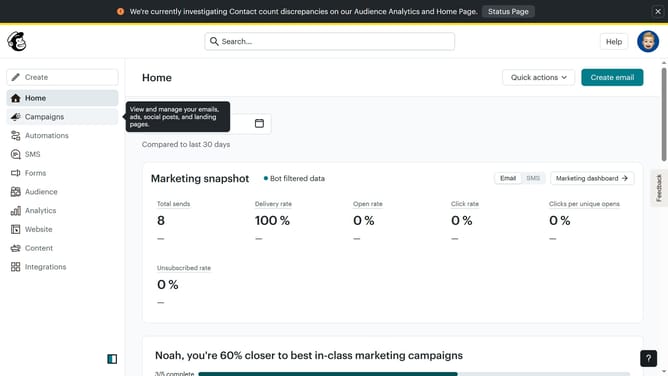
How to delete a landing page in Mailchimp
Here is how to delete a landing page in mailchimp
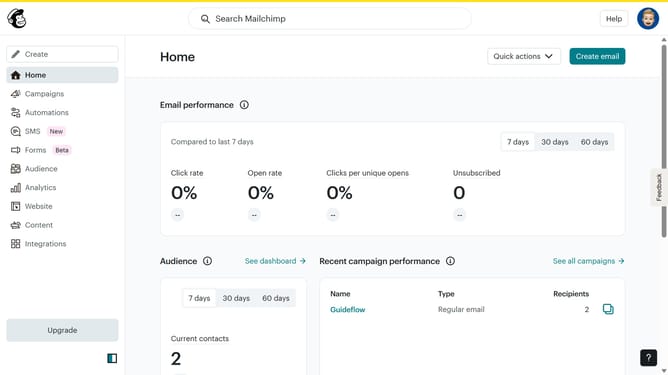
- First click on "Home" item in the left sidebar
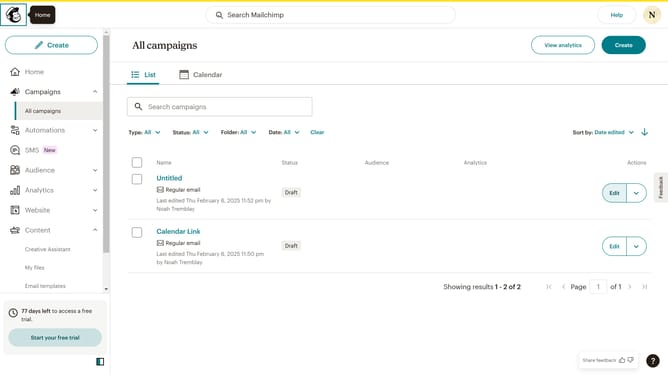
- Then click on "More actions" button
- Next click on "Delete" menu item
- Finally click on "Delete" button in the confirmation dialog
Why should you delete a landing page in Mailchimp
Mailchimp is a powerful tool designed to simplify marketing efforts and enhance customer engagement.
The ability to delete a landing page in Mailchimp ensures that your campaigns remain current, relevant, and efficient.
Removing outdated or underperforming landing pages helps maintain the quality and consistency of your marketing strategy.
Ultimately, this feature promotes a cleaner user experience and facilitates a more organized approach to managing your digital content.
Last update