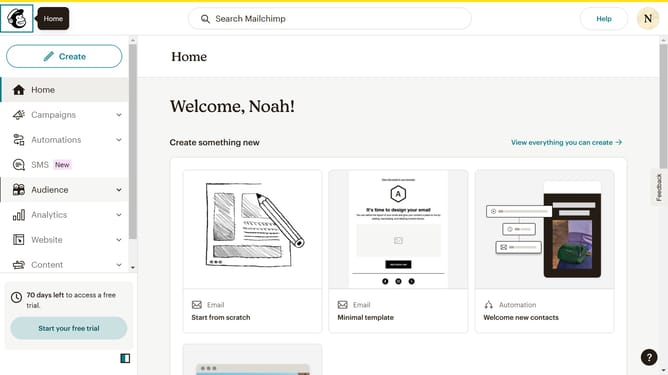
How to edit text block in a landing page in Mailchimp
Here is how to edit text block in a landing page in mailchimp
- First, click on "Campaigns" in the left sidebar
- Then, click on the "Edit" button
- Next, click on the "Edit design" button
- Then, click on the pencil icon to edit the content
- Then click on the content area and input your new text
- After that, click on the "Save & Close" button
- Finally, click on the "Save & Close" button again in the bottom right corner
Why should you edit text block in a landing page in Mailchimp
Mailchimp is a dynamic marketing platform designed to help businesses create more engaging campaigns.
Editing a text block in a landing page on Mailchimp is a straightforward and efficient process that empowers you to customize messages effectively.
This feature allows for seamless integration of your brand's unique voice, maintaining consistency and impact across communications.
Utilizing this tool enhances user experience and optimizes the impact of your marketing strategies.
Last update