How to replicate an automation in Mailchimp
Here is how to replicate an automation in mailchimp
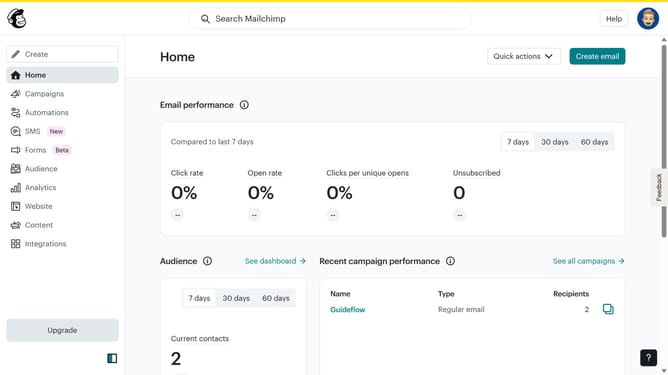
- First click on the "Automations" item in the left sidebar menu
- Next click on the dropdown button in the right corner of the automation flow list
- Then select the "Replicate" option from the dropdown menu
- Next click in the name input field to input the name of your automation
- Finally click the "Continue" button in the bottom right corner of the dialog box
Why should you replicate an automation in Mailchimp
Mailchimp is a dynamic platform designed for effortless email marketing and automation.
Replicating an automation in Mailchimp is a seamless feature that empowers users to efficiently duplicate successful workflows with ease and precision.
By utilizing this feature, businesses can maintain consistency in their campaigns, save valuable time, and focus on refining their strategies for better engagement.
It ensures that your marketing efforts remain streamlined, effective, and tailored to meet your unique audience needs.
Last update