How to unsubscribe a contact in Mailchimp
Here is how to unsubscribe a contact in mailchimp
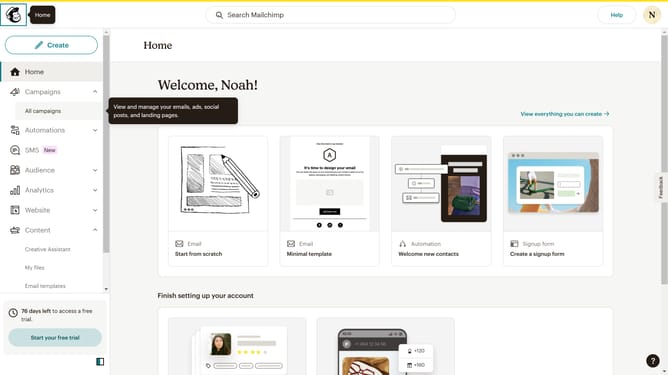
- First click on "Audience" in the left sidebar menu
- Next click on the contact email in the contacts list to open the contact profile
- Next click on the "Actions" button in the top-right corner of the contact profile page
- Then select "Unsubscribe (Email)" option from the Actions dropdown menu
- Finally click the "Confirm Unsubscribe" button in the unsubscribe confirmation dialog
Why should you unsubscribe a contact in Mailchimp
Mailchimp is a dynamic email marketing platform designed to help businesses connect with their audiences effortlessly.
The ability to unsubscribe a contact in Mailchimp is a crucial feature for maintaining a clean and healthy email list. This functionality allows users to easily manage subscriptions, ensuring that only interested recipients receive communications.
Using this feature comes with multiple benefits, such as improving email deliverability and increasing engagement rates. It empowers businesses to foster trust with their audience by respecting recipient preferences, ultimately enhancing overall brand reputation.
Last update