How to assort campaigns to send date in Mailchimp
Here is how to assort campaigns to send date in mailchimp
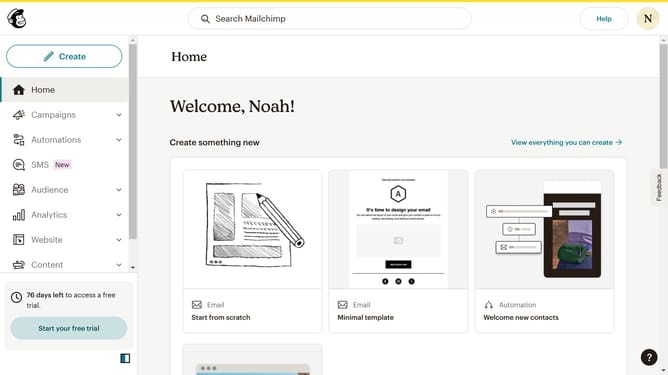
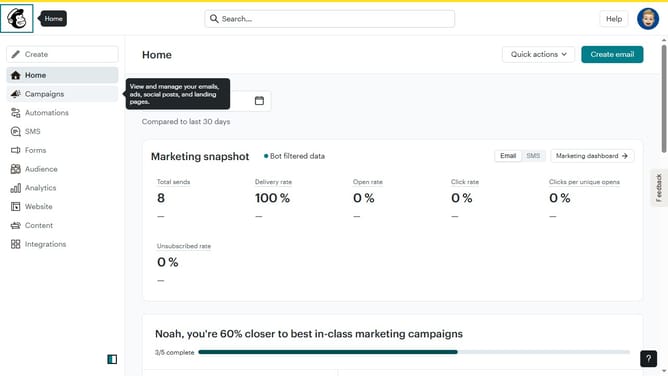
- First click on the "Campaign" button in the left sidebar navigation menu
- Then click on the "Sort by" dropdown filter in the campaign list header
- Finally select "Send date" option from the Status dropdown menu
Why should you assort campaigns to send date in Mailchimp
Mailchimp is a versatile platform designed to simplify your email marketing efforts.
The ability to assort campaigns by send date allows users to organize and strategize their email deliveries efficiently.
By arranging campaigns in this manner, businesses can ensure timely communication with their audience, enhancing engagement and optimizing response rates.
This feature also promotes a well-structured marketing calendar, providing a clear overview of ongoing and future campaigns, ultimately maximizing impact and resource management.
Last update