How to manage image border color in a landing page in Mailchimp
Here is how to manage image border color in a landing page in mailchimp
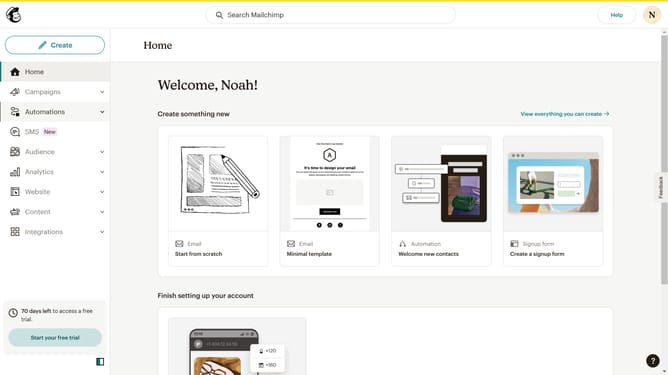
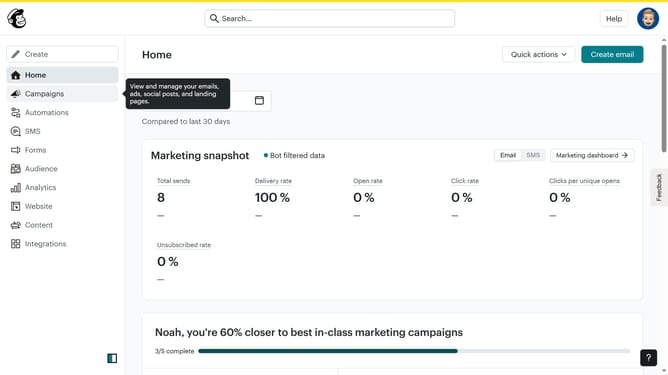
- First click on "Campaigns" in the left sidebar
- Then click on "Edit" button
- Next click on "Edit design" button
- Click on the pencil icon in the top bar
- Then select "Style" tab
- Click on the color selector field
- Finally click on the color picker to select a color
Why should you manage image border color in a landing page in Mailchimp
Mailchimp is a powerful marketing platform known for simplifying email campaigns and enhancing brand communication.
Among its versatile features is the ability to manage image border color on landing pages, giving you control over your brand’s visual consistency. Adjusting border colors adds a touch of personalization, aligning imagery with your brand’s aesthetic.
This feature not only enhances visual appeal but also encourages viewer engagement by creating cohesive and attractive content that reflects brand identity, making it an essential tool for marketers.
Last update