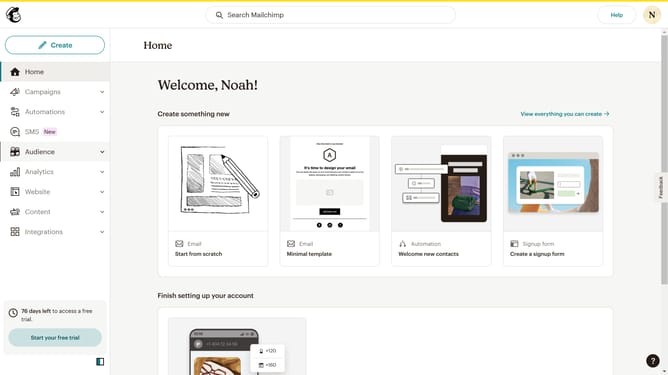
How to resolve a comment on a campaign in Mailchimp
Here is how to resolve a comment on a campaign in mailchimp
- First click on "Campaigns" in the left sidebar menu
- Then click on "WIP" campaign from the campaign list
- Next click on "Edit design" button in the email preview section
- Click on "Comment" button in the top toolbar of the email editor
- Next click on the comment in the right sidebar comment panel
- Then click on the "Mark as resolve" in the right sidebar to respond to the comment
- Finally click on the "Resolved" tab in the top section of the comments sidebar
Why should you resolve a comment on a campaign in Mailchimp
Mailchimp is a dynamic platform designed to empower businesses with seamless email marketing capabilities.
Resolving a comment on a campaign in Mailchimp not only streamlines team communication but also enhances collaboration efficiency. This feature allows team members to address and close comments swiftly, ensuring everyone is on the same page.
This process keeps campaign development smooth and focused. By quickly resolving comments, businesses can maintain momentum and make data-driven adjustments without hindrance.
Overall, resolving comments promotes clarity, reduces miscommunication, and supports the timely execution of successful marketing campaigns.
Last update