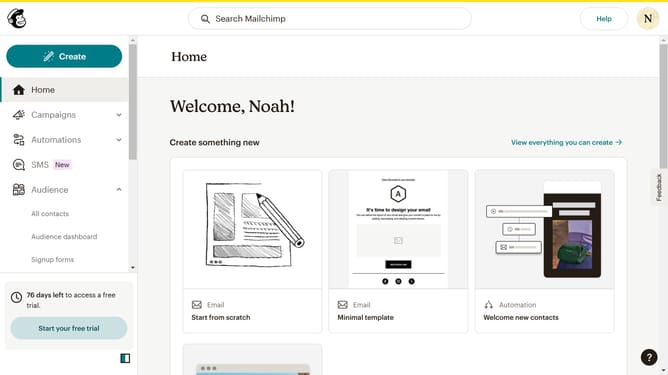
How to create a plain text email in Mailchimp
Here is how to create a plain text email in mailchimp
- First click on the "Create" button in the header menu
- Then click on the "Email" option in the create menu dropdown
- Then click on "Plain text" option in the left sidebar menu
- Then click on the email name text field to enter your email name
- Then click on the "Begin" button after entering the internal email name
- Next select "Entire audience" option in the recipient selection screen
- Click the "Next" button at the bottom of the recipient selection screen
- Next click on the "Email subject" input text field to enter your text subject
- Then click "Next" to proceed after entering the email subject
- Next enter your email content in the plain-text message editor on the left side
- Finally, click "Next" button to proceed to the next step
Why should you create a plain text email in Mailchimp
Mailchimp is a powerful platform designed to help businesses effortlessly execute their email marketing strategies.
Creating a plain text email in Mailchimp is a feature that allows users to send straightforward, minimalist communications without any distractions.
This approach ensures your message reaches the recipient in a concise form, decreasing load times and improving deliverability.
Using plain text emails enhances the personal feeling of your communication, which can be beneficial for building trust and rapport with your audience.
Last update