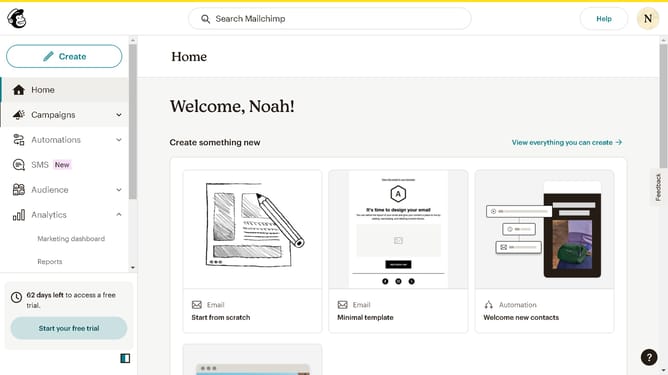
How to filter your campaign status to draft in Mailchimp
Here is how to filter your campaign status to draft in mailchimp
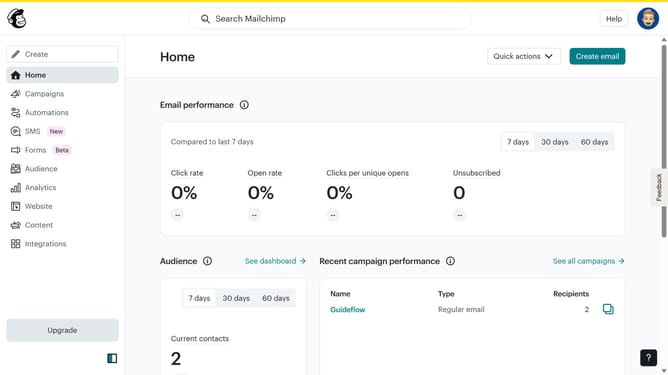
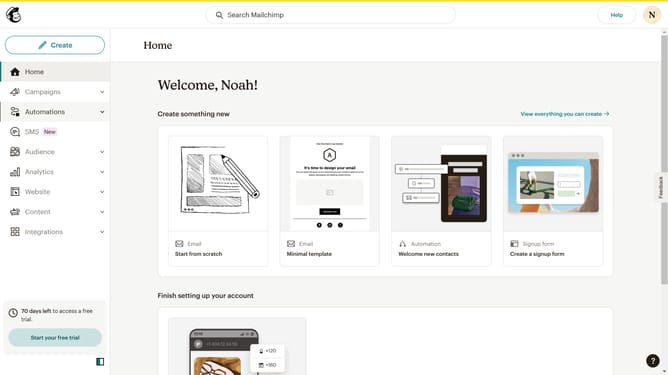
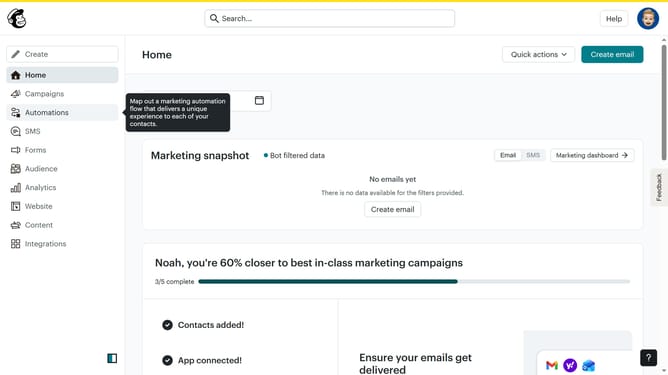
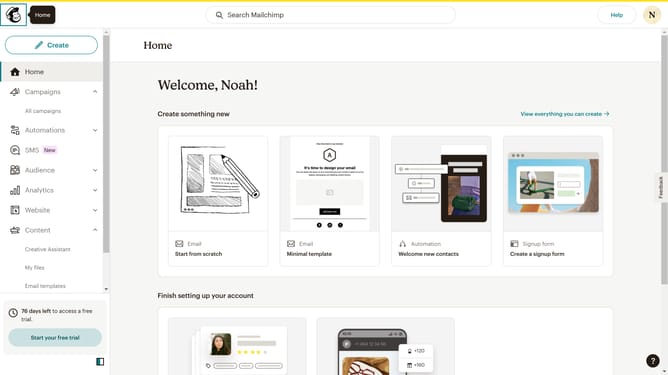
- First click on the "Campaign" button in the left sidebar navigation menu
- Then click on the "Status" dropdown filter in the campaign list header
- Finally select "Draft" option from the Status dropdown menu
Why should you filter your campaign status to draft in Mailchimp
Mailchimp is a dynamic platform designed to elevate your email marketing campaigns with ease.
The ability to filter your campaign status to draft in Mailchimp is a powerful feature that enhances your workflow efficiency. This function allows you to organize and quickly locate campaigns you are currently developing, ensuring that your workspace remains uncluttered and focused.
Using draft filters streamlines your campaign management, enabling you to prioritize tasks and maintain a clear vision of projects that need your attention. In turn, this elevates your team's productivity and ensures that your marketing strategies remain on target.
Last update