How to add personalization in Mailchimp
Here is how to add personalization in mailchimp
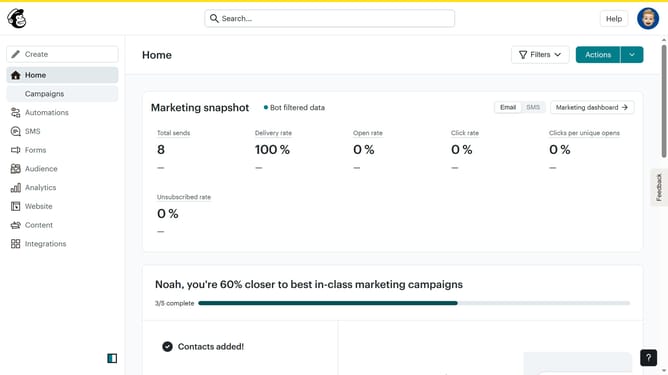
- First click on the "Campaigns" item in the left sidebar
- Then click the "Edit" button next to the campaign you want to personalize
- Next click on the "Edit design" link in the Content section
- Click on the "Paragraph" block in the left sidebar Blocks section
- Click on the text field in the email template
- Click on the "Merge Tags" button in the top toolbar
- Click the options you wish to personalize your newsletter
- It will automatically be added to your newsletter
- Click the "Preview" button in the top toolbar
- Once you're satisfied with your personalised email click the "Close" button
- Finally click the "Save and exit" button in the top right corner
Why should you add personalization in Mailchimp
Mailchimp is a versatile marketing platform designed for businesses to effortlessly enhance their marketing strategies.
Adding personalization in Mailchimp allow users to tailor emails specifically to each recipient, making communication more engaging.
This feature helps foster a stronger connection with your audience by delivering content that resonates with their interests and needs.
The use of personalization can significantly improve email open rates and boost customer loyalty, leading to higher conversion rates.
Last update