How to align text block in a landing page in Mailchimp
Here is how to align text block in a landing page in mailchimp
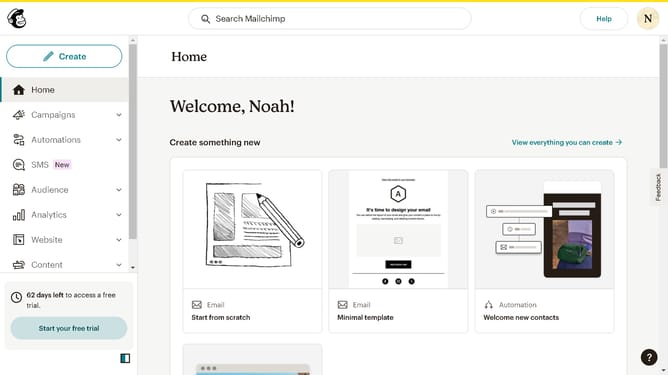
- First click on "Home" item in the left sidebar menu
- Then click on "Edit" button
- Then click on "Edit design" button
- Then click on the "Edit" icon
- Then click on the "Style" tab
- Then click on the center align button
- Finally click on the "Save & Close" button
Why should you align text block in a landing page in Mailchimp
Mailchimp is a versatile platform designed to enhance your marketing campaigns through effective email automation and customization tools.
Aligning text blocks on a landing page in Mailchimp empowers you to create visually appealing and readable content layouts. This feature allows for seamless integration of text, ensuring consistent presentation across devices.
The benefits of using this feature include improved aesthetic appeal and heightened user engagement, making your landing page a powerful tool in converting visitors to customers.
Last update