How to change link color in an email campaign in Mailchimp
Here is how to change link color in an email campaign in mailchimp
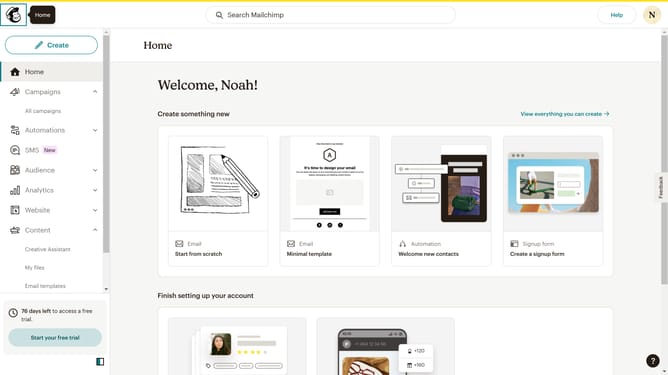
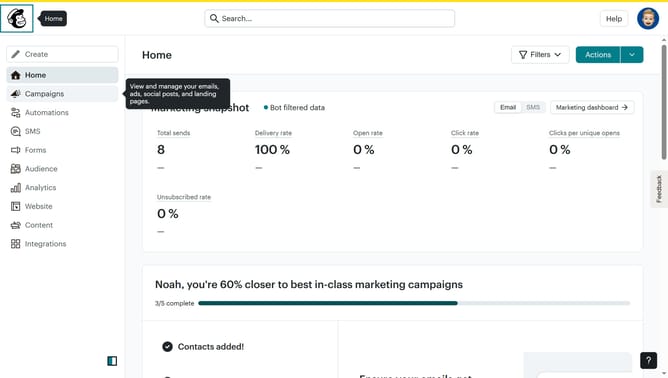
- First click on the "Home" item in the left sidebar
- Then click on the "Edit" button
- Then click on the "Edit design" button at the bottom right
- Then click on the "Styles" item in the left sidebar
- Then click on the "Link" item in the left sidebar
- Then click on the color swatch for "Link color"
- Finally click on a color in the color picker
Why should you change link color in an email campaign in Mailchimp
Mailchimp is a versatile platform that empowers users to craft impactful email marketing campaigns.
One significant feature is the ability to change link colors, offering the flexibility to align with your brand's identity.
Using customized link colors enhances engagement by making your emails visually appealing and ensuring brand consistency.
Ultimately, this feature aids in capturing attention and encouraging recipients to interact with your content.
Last update