How to remove an email domain in Mailchimp
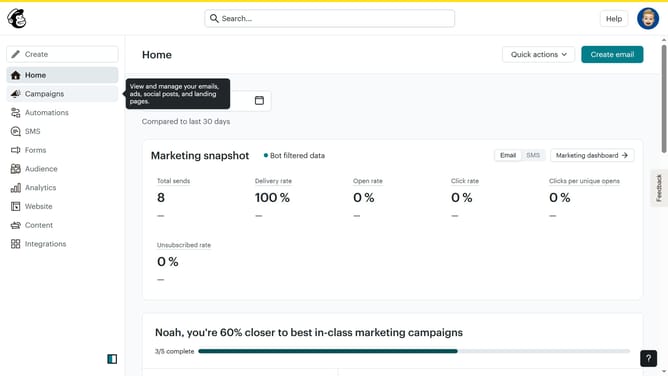
Here is how to remove an email domain in mailchimp
- First click on the profile icon in the top-right corner of the header
- Then click on "Profile" option in the dropdown menu
- Next click on "Domains" tab in the main navigation menu
- In the domains list section, click the "Remove" button next to the proton.me domain
- Finally click the "Remove Domain" button to confirm the domain removal
Why should you remove an email domain in Mailchimp
Mailchimp is a versatile platform designed to streamline your marketing campaigns with ease and efficiency.
One of its beneficial features is the ability to remove an email domain from your account. This allows you to maintain a refined and relevant contact list.
By using this feature, you can ensure that your audience is accurately targeted, enhancing engagement and campaign performance.
Ultimately, this helps in fostering better relationships with your contacts by keeping your communications focused and pertinent.
Last update