How to filter your campaigns to social post in Mailchimp
Here is how to filter your campaigns to social post in mailchimp
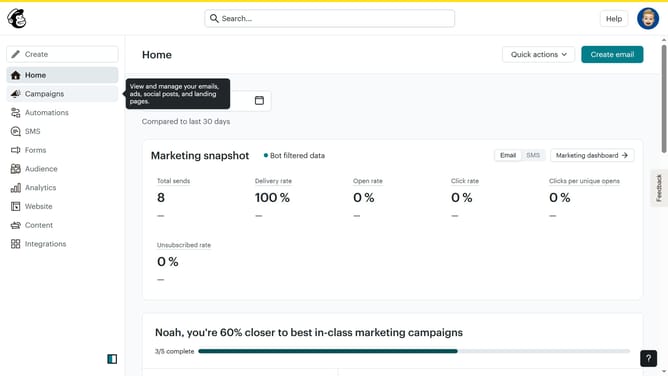
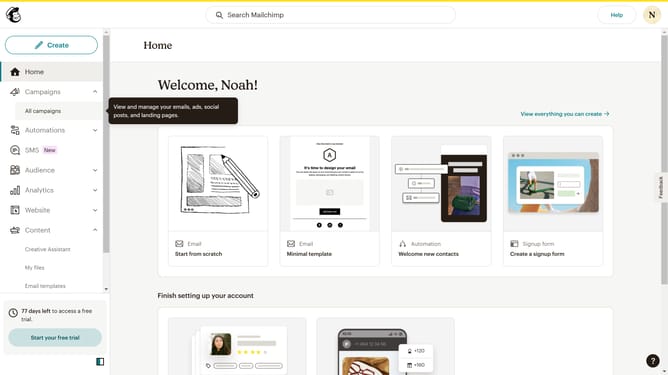
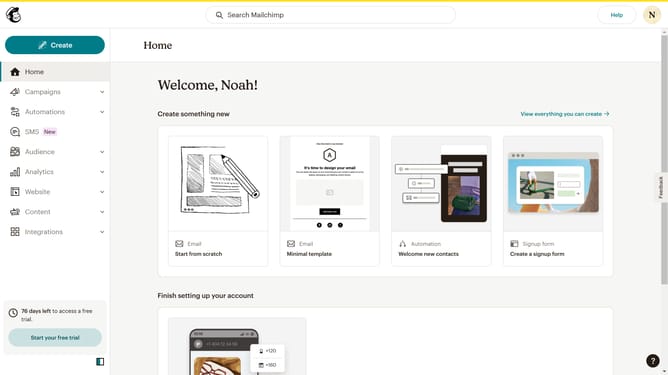
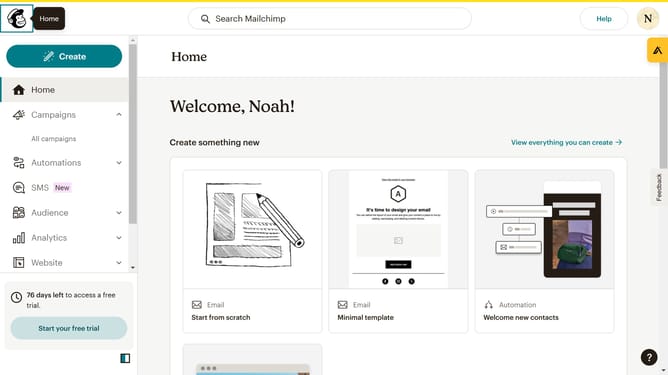
- First click on the "Campaign" button in the left sidebar navigation menu
- Then click on the "Type" dropdown filter in the campaign list header
- Finally select "Social post" option from the Type dropdown menu
Why should you filter your campaigns to social post in Mailchimp
Mailchimp is a versatile marketing platform that empowers businesses to manage and streamline their marketing campaigns with ease.
The ability to filter your campaigns to social posts in Mailchimp enables users to tailor content specifically for social media platforms. This feature ensures that your marketing messages are optimized for interaction and engagement on these channels.
Using this feature helps businesses resonate more effectively with their audience, improving visibility and fostering stronger relationships, ultimately maximizing the impact and reach of their campaigns.
Last update