How to optimize Mailchimp for mobile
Here is how to optimize mailchimp for mobile
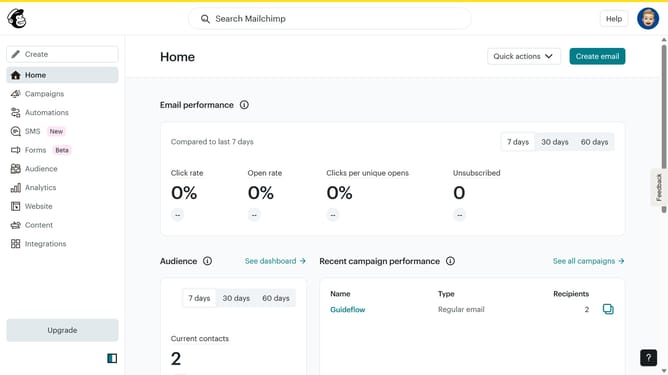
- First click on the "Create" button in the top navigation bar
- Then click on " Regular Email" option in the creation menu
- Customize your email according to your preferences then click "Save"
- Click on "Design email" button in the right sidebar
- Click "Start from scratch" button in the templates menu
- In the "Style" section, click on "Mobile"
- Click on "Email" where you can edit the "Padding"
- Next, click on "Text" to edit the "Paragraph, H1, H2, H3, and H4"
- Click on "Save and exit" to continue
Why should you optimize Mailchimp for mobile
Mailchimp is an intuitive platform that empowers businesses to effortlessly manage email campaigns.
Optimizing Mailchimp for mobile is essential in today's fast-paced digital world, where a majority of users access content via smartphones.
By tailoring your campaigns for mobile devices, you enhance readability, engagement, and ensure your message retains its impact.
This optimization not only boosts user experience but also increases the likelihood of achieving higher conversion rates and growing your business network effectively.
Last update