How to input an email block on a survey in Mailchimp
Here is how to input an email block on a survey in mailchimp
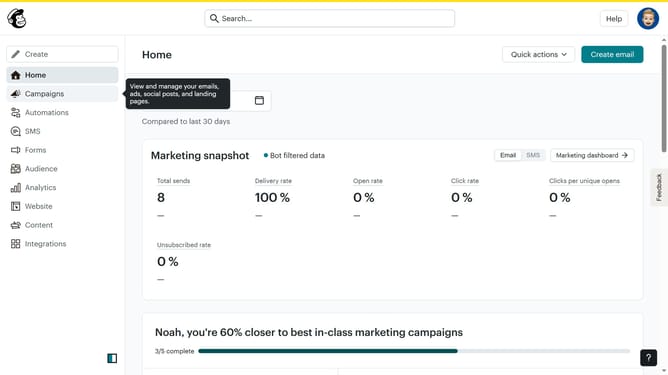
- First click on "Audience" item in the left sidebar menu
- Then click on "Surveys" link in the expanded Audience menu
- Next click on "Create new survey" button in the top right corner
- Then click on the survey name input field
- Next enter "Sample Survey" in the survey name field
- Then click on the Audience dropdown menu
- Next click on "Begin" button to start creating the survey
- Then click on the "Add question" button in the center of the question types slider
- Finally select the "Email" button in the question types dropdown menu
Why should you input an email block on a survey in Mailchimp
Mailchimp is a powerful tool designed to simplify the digital marketing needs of businesses.
Embedding an email block in a Mailchimp survey is an intuitive feature that enhances engagement. This capability allows marketers to gather email addresses seamlessly during survey interactions.
Capturing emails directly through surveys not only enriches your contact list but also streamlines communication. It’s an efficient way to maintain customer relationships, fueling future marketing campaigns with ease.
Last update