How to add a button in a landing page in Mailchimp
Here is how to add a button in a landing page in mailchimp
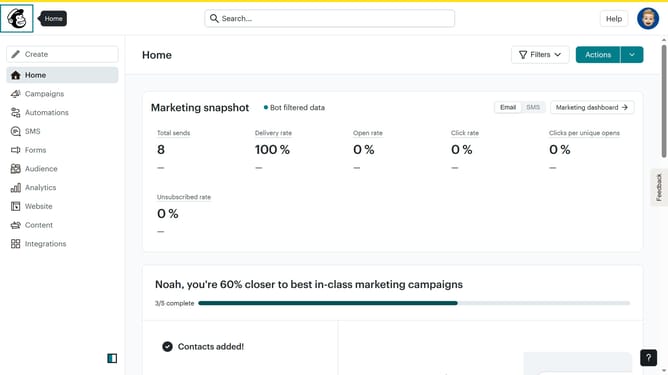
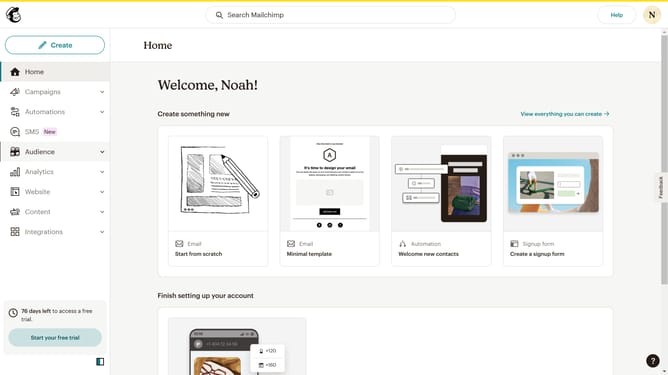
- First click on "Campaigns" in the left sidebar
- Then click on "Edit" button
- Next click on "Edit design" button
- Then click on "Button" element in the right panel
- Finally click on "Save & Close" button
Why should you add a button in a landing page in Mailchimp
Mailchimp is a powerful marketing platform designed to help businesses effortlessly manage and grow their audience.
One of the standout features of Mailchimp is its ability to add buttons to landing pages, which can significantly enhance user engagement.
Buttons serve as clear calls to action, guiding visitors towards desired actions such as signing up for a newsletter or making a purchase, ultimately boosting conversion rates.
Incorporating buttons is a straightforward process, and it effectively creates a more interactive and visually appealing experience for users.
Last update