How to rename an email in Mailchimp
Here is how to rename an email in mailchimp
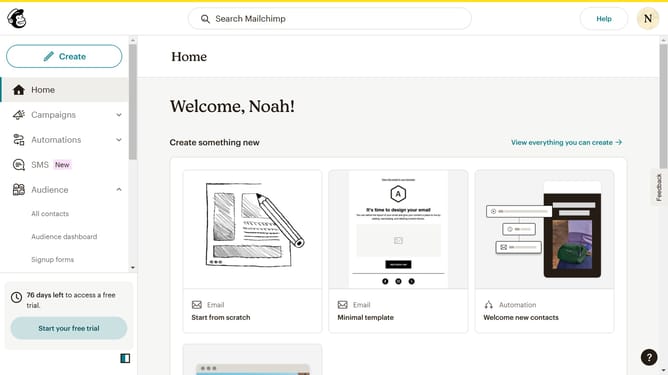
- First click on the "Campaigns" item in the left sidebar menu
- Then click on the dropdown menu icon in the campaign list
- Next click on the "Rename" link button in the campaign row
- Then click on the input text field in the pop-up window panel
- Finally click the "Save" button in the rename email dialog window
Why should you rename an email in Mailchimp
Mailchimp is a powerful marketing automation platform designed to help you reach and engage your audience effortlessly.
Renaming an email in Mailchimp is a straightforward feature that brings a host of organizational benefits. It allows you to manage your email campaigns more efficiently by providing clearer labeling, making it easier to track and analyze your marketing efforts.
This feature is especially useful when you have multiple emails and need to differentiate between campaigns quickly. By keeping your email labeling consistent and descriptive, you can enhance your strategic planning and ensure your team is always on the same page.
Last update