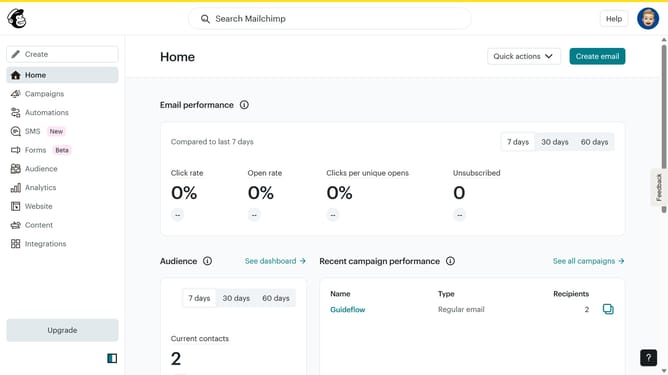
How to insert radio button block on a survey in Mailchimp
Here is how to insert radio button block on a survey in mailchimp
- First click on "Audience" item in the left sidebar menu
- Then click on "Surveys" link in the expanded Audience menu
- Next click on "Create new survey" button in the top right corner
- Then click on the survey name input field
- Next enter "Sample Survey" in the survey name field
- Then click on the Audience dropdown menu
- Next click on "Begin" button to start creating the survey
- Then click on the "Add question" button in the center of the question types slider
- Finally select the "Radio buttons" button in the question types dropdown menu
Why should you insert radio button block on a survey in Mailchimp
Mailchimp is a dynamic platform designed to streamline and enhance marketing efforts through email, automation, and analytics.
Adding a radio button block to your survey in Mailchimp allows for streamlined data collection by giving respondents a simple choice among predefined options.
Utilizing radio buttons helps in collecting focused feedback, ensuring the data is clear and easily analyzable. It enhances user experience by simplifying survey design and improving response rates.
This feature supports efficient decision-making based on precise, concentrated insights gathered from your audience.
Last update