How to edit text block font style in a landing page in Mailchimp
Here is how to edit text block font style in a landing page in mailchimp
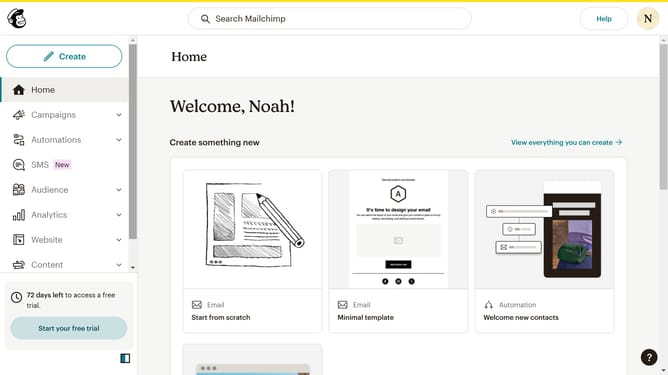
- First click on "Home" item in the main menu
- Then click on "Edit" button
- Next click on "Edit design" button
- Then click on the pencil icon to edit the text
- After that click on "Style" tab
- Then click on the "Font" dropdown
- Next select a font from the font list
- Then click on the "Save & Close" button
- Finally click on the "Save & Close" button in the footer
Why should you edit text block font style in a landing page in Mailchimp
Mailchimp is a dynamic marketing platform that empowers businesses to create and manage their promotional efforts effectively.
One of the standout features of Mailchimp is the ability to edit text block font style in landing pages with ease.
This feature allows you to customize your landing pages to match your brand's unique aesthetic, ensuring consistency across all marketing materials.
By adjusting the font style, you enhance readability and engagement, capturing the attention of your audience and potentially boosting conversion rates.
Last update