How to import email list to Mailchimp
Here is how to import email list to mailchimp
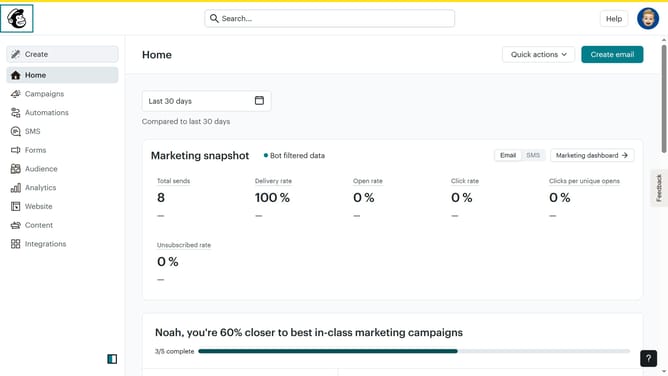
- First click on the "Audience" option in the left sidebar menu
- Then click on the "Add contacts" dropdown button
- Next select "Import contacts" from the dropdown menu
- Here you'll get options to import your contacts from
- Choose the preferred method, click "Continue" and follow the prompts to finish the import process.
Why should you import email list to Mailchimp
Mailchimp transforms email marketing by enabling businesses to effortlessly connect with their audiences.
Importing an email list into Mailchimp is a powerful feature that allows seamless integration of your existing contacts.
This process ensures that you can quickly leverage your existing relationships for targeted marketing campaigns.
By consolidating your email lists into Mailchimp, you benefit from streamlined communications, consistent messaging, and increased engagement rates.
Last update