How to add VIP status on a contact in Mailchimp
Here is how to add vip status on a contact in mailchimp
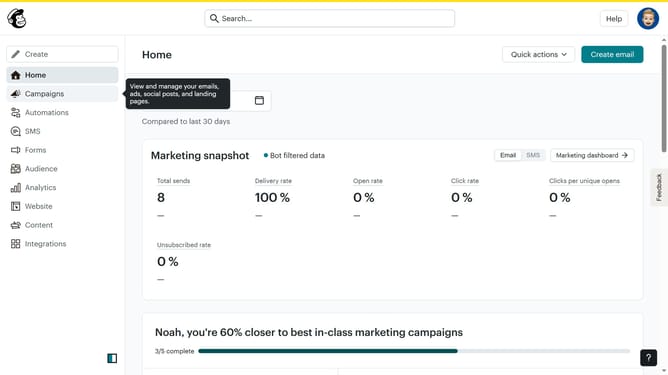
- First click on "Audience" in the left sidebar menu
- Next click on the contact email in the contacts list to open the contact profile
- Next click on the "Actions" button in the top-right corner of the contact profile page
- Then click on "Add VIP" option in the dropdown menu under the "Actions" button
Why should you add VIP status on a contact in Mailchimp
Mailchimp is a versatile email marketing service designed to help businesses grow their audience and customer engagement.
Adding VIP status to a contact in Mailchimp allows users to identify and prioritize their most valuable subscribers with ease.
This feature enables marketers to target key individuals more efficiently, enhancing the effectiveness of tailored campaigns. By recognizing VIP contacts, businesses can boost brand loyalty and personalized communication.
Overall, using VIP status ensures that the most important subscribers receive the attention they deserve, fostering stronger relationships and better engagement outcomes.
Last update