How to change link font into bold in an email campaign in Mailchimp
Here is how to change link font into bold in an email campaign in mailchimp
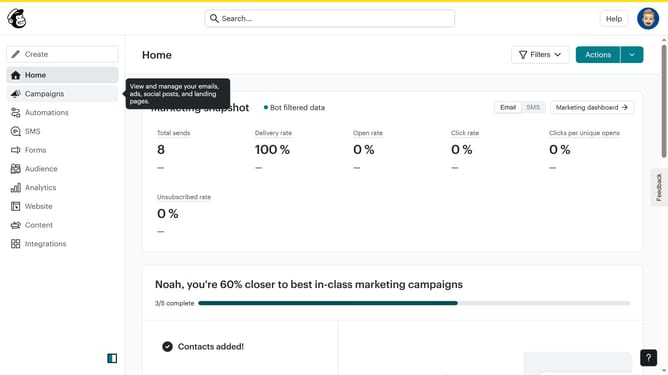
- First click on the "Home" item in the left sidebar
- Then click on the "Edit" button
- Next, click on the "Edit design" button at the bottom right
- Then select "Styles" from the left sidebar menu
- Next, click on the "Link" option in the sidebar
- Finally, click on the "B" button to make the link bold
Why should you change link font into bold in an email campaign in Mailchimp
Mailchimp is a dynamic tool designed to make email marketing simple and effective.
One of the understated features that can enhance your email campaigns is the ability to bold link fonts. This seemingly small adjustment can significantly impact how your message stands out in an inbox.
By bolding your link fonts, you draw immediate attention to your call-to-action, encouraging engagement and improving click-through rates. This feature not only adds emphasis but also ensures that your links are easily distinguishable and memorable, enhancing overall readability and effectiveness.
Last update