How to make the button square in an email campaign in Mailchimp
Here is how to make the button square in an email campaign in mailchimp
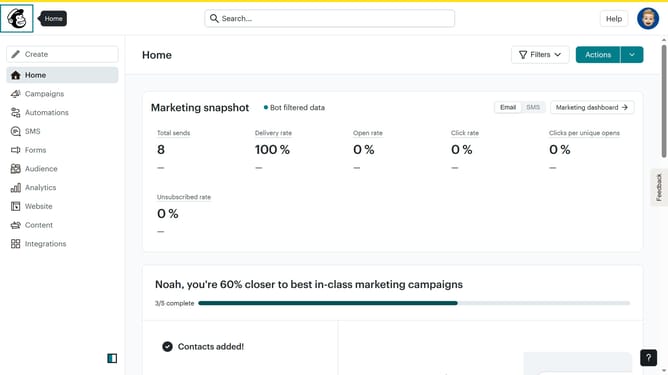
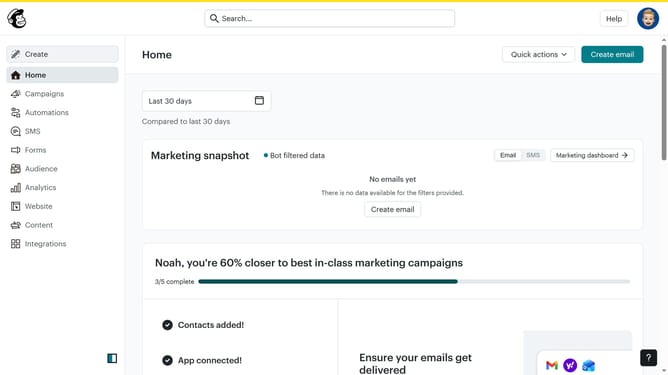
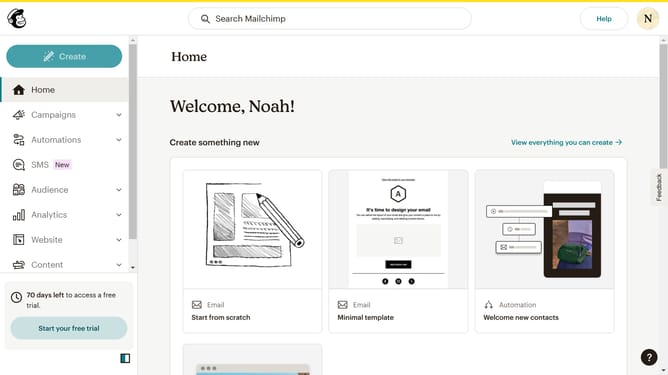
- First click on "Campaigns" in the left sidebar menu
- Then click on the "Edit" button
- Then click on the "Edit design" button
- Then click on "Styles" in the left sidebar menu
- Then click on "Button" in the Styles section
- Finally select "Square" shape for the button
Why should you make the button square in an email campaign in Mailchimp
Mailchimp is a versatile platform designed to enhance your email marketing efforts with precision and ease.
One of the standout features is the ability to easily customize the shape of buttons in your email campaigns. Making a button square in Mailchimp is not only straightforward but also visually impactful. A square button can offer a modern and clean aesthetic that aligns with minimalistic design trends.
Utilizing square buttons in your campaigns can lead to improved user interaction. The distinct, symmetrical shape draws immediate attention, encouraging more clicks and engagement from your audience. This small tweak can add to the overall effectiveness and appeal of your email marketing initiatives.
Last update