How to view campaigns in present time in Mailchimp
Here is how to view campaigns in present time in mailchimp
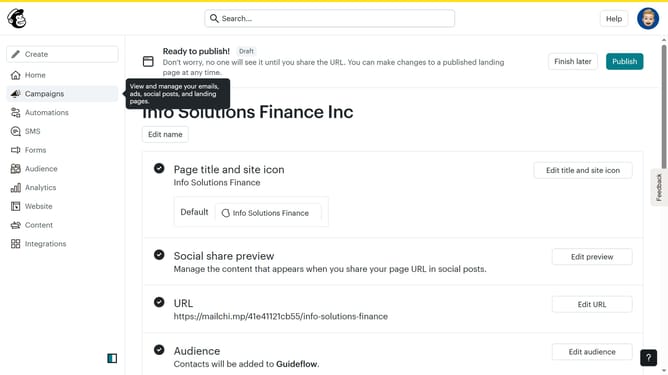
- First click on "Campaigns" in the left sidebar menu
- In the view toggle section at the top of the main content area, click on the "Calendar" view option
- Finally click the "Today" button in the calendar navigation bar to jump to the current date
Why should you view campaigns in present time in Mailchimp
Mailchimp is a versatile marketing platform designed to help you connect with your audience and enhance your business communications.
Viewing campaigns in real-time within Mailchimp empowers you with immediate insights into campaign performance, allowing quick decisions and adjustments. This real-time visibility means you can effectively monitor engagement rates, click-through rates, and audience interactions as they happen.
With instant access to these key metrics, teams can optimize strategies and swiftly capitalize on what works best, fostering proactive marketing and successful outreach efforts.
Last update