How to add an additional notes field to a signup form on a landing page in Mailchimp
Here is how to add an additional notes field to a signup form on a landing page in mailchimp
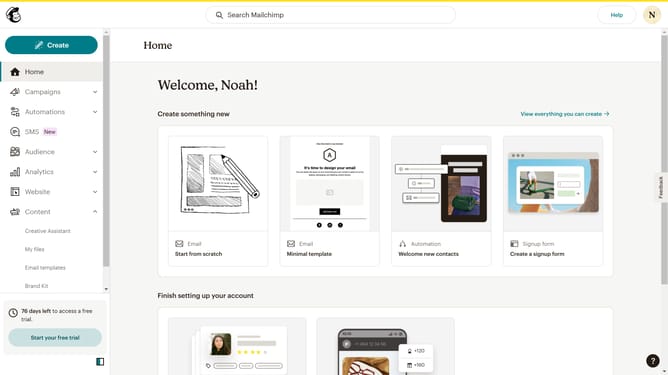
- First click on "Campaigns" in the left sidebar
- Then click on the "Edit" button
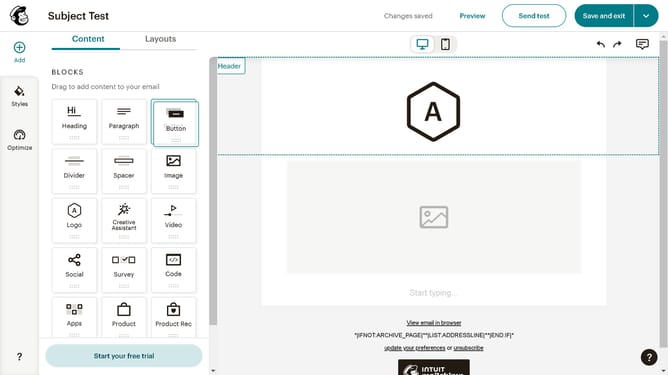
- Next, click on the "Edit design" button
- Then click on the pencil icon to edit
- After that, select the "Notes" checkbox
- Finally, click on the "Save & Close" button
Why should you add an additional notes field to a signup form on a landing page in Mailchimp
Mailchimp is a versatile marketing platform that empowers businesses to manage email campaigns with ease.
Adding an additional notes field to a signup form on a landing page in Mailchimp can significantly enhance user interaction.
This feature allows subscribers to provide more personalized information, fostering better communication and deeper insights into their preferences.
By gathering additional data, businesses can better tailor their communication, ensuring relevance and increasing engagement.
Last update