How to delete a content in Mailchimp
Here is how to delete a content in mailchimp
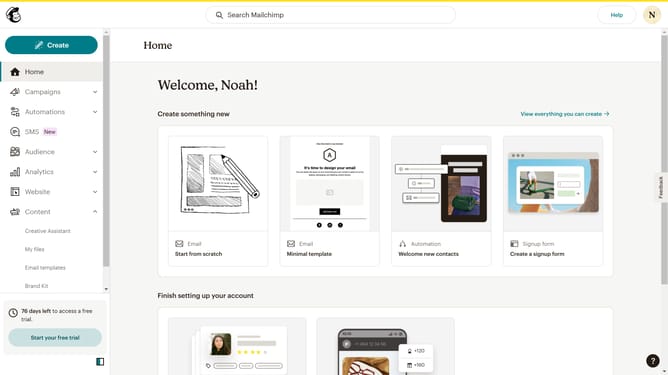
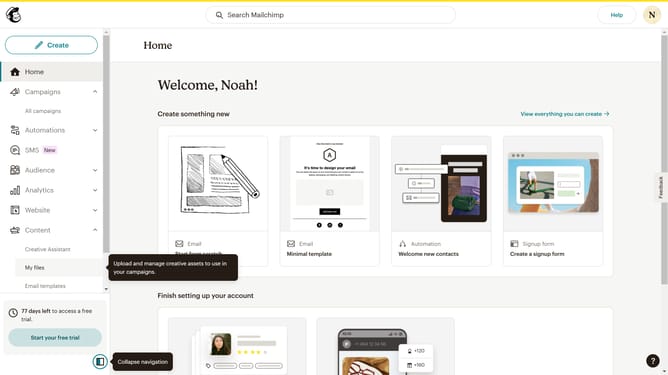
- First click on the "Content" section in the left sidebar to view the dashboard
- Next click on the image in the content area to select it
- Then click on the "Delete" button in the top action bar
- Finally click the "Delete" button in the confirmation dialog to permanently remove the selected item
Why should you delete a content in Mailchimp
Mailchimp is a powerful marketing automation platform designed to help brands connect with their audience effectively.
The ability to delete content in Mailchimp is a key feature for maintaining an organized and clutter-free workspace.
By easily removing outdated or unnecessary content, users can ensure their campaigns and lists remain relevant and streamlined.
This not only enhances productivity but also improves the overall efficiency of email marketing strategies.
Last update