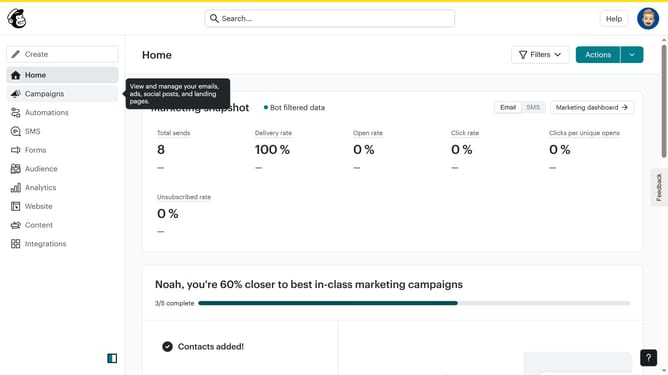
How to log in your account in Mailchimp
Here is how to log in your account in mailchimp
- First click in the "Username or Email" field in the login form
- Then click in the "Password" field to enter your password
- Next click the "Keep me logged in" checkbox to enable automatic login
- Finally click the "Log in" button to access your account
Why should you log in your account in Mailchimp
Mailchimp is a user-friendly marketing automation platform designed to help businesses grow their customer base effortlessly.
Accessing your Mailchimp account is straightforward and intuitive, enabling you to easily manage your campaigns, subscriber lists, and analytics in one place.
Logging in ensures that you can promptly harness the powerful features Mailchimp offers, facilitating seamless communication and efficient marketing strategies.
It's a vital step that unlocks streamlined workflows, saving you time while maximizing your marketing impact.
Last update