How to rename a group option in Mailchimp
Here is how to rename a group option in mailchimp
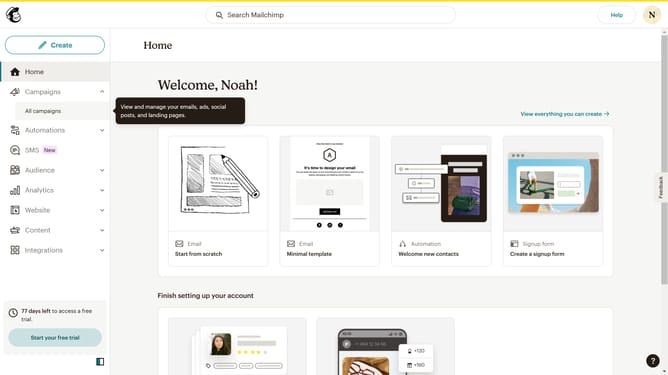
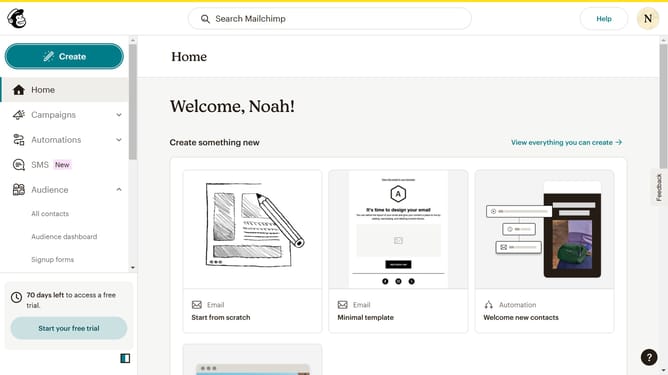
- First click on "Audience" in the left sidebar menu
- Next click on the "More options" dropdown button in the top-right corner of the Contacts page
- Then select "Groups" from the dropdown menu that appears
- Next click on the "View group" button in the top-right of the main content area
- Next click on the "Actions" dropdown menu in the group options bar
- Then select the "Rename" option from the Actions dropdown menu
- In the rename dialog box, click the text input field to edit the name of the option
- Finally click the "Rename group option" button in the dialog box to confirm the change
Why should you rename a group option in Mailchimp
Mailchimp is a versatile platform that helps businesses streamline email marketing campaigns with ease and efficiency.
Renaming a group option in Mailchimp allows you to better organize and personalize your email lists, ensuring communication is targeted and effective.
This feature provides the flexibility to adjust your audience segmentation as needed, enhancing the relevance of your marketing efforts.
By keeping your group names updated and clear, you enhance engagement and maintain strong subscriber relationships.
Last update