How to integrate Mailchimp with Google Sheets
Here is how to integrate mailchimp with google sheets
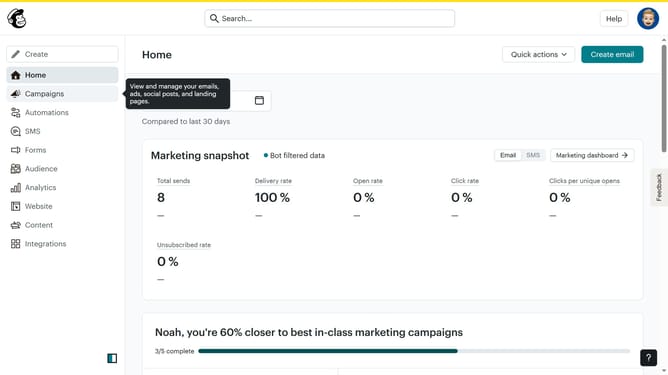
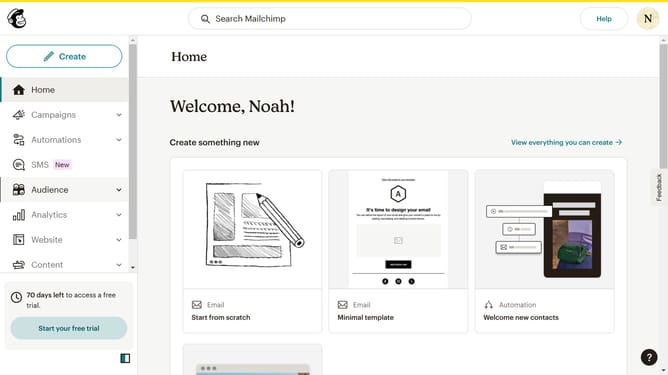
- First click on "Create" button in the left sidebar
- Then click on the "Zaps" option in the left sidebar
- Click on "Trigger" to start setting up your Zap
- Click on "Google Sheets" from the apps list
- Click on "Choose an event" dropdown in the setup panel
- Click "Continue" button in the test panel
- Click on the "Continue" button to proceed
- Select "Mailchimp" from the apps list
- Click on "Choose an event" dropdown in the action setup panel
- Click on "Continue" button in the Mailchimp setup panel
- Click on "Choose value..." dropdown for Audience selection
- Click on "Enter text or insert data..." field for Email Address
- Click on "Continue" button to complete the setup
- Finally click "Publish" to finish your zap
Why should you integrate Mailchimp with Google Sheets
Mailchimp is a robust marketing platform designed to help businesses effortlessly manage their email campaigns.
Integrating Mailchimp with Google Sheets allows for seamless synchronization of data, making it easier to update contact lists in real-time.
This integration simplifies tracking and analyzing campaign performance, providing vital insights directly within Google Sheets. By connecting these tools, you streamline your workflow, saving valuable time and reducing errors associated with manual data entry.
Ultimately, this integration enhances efficiency and optimizes your marketing strategy.
Last update