How to apply a survey on an email in Mailchimp
Here is how to apply a survey on an email in mailchimp
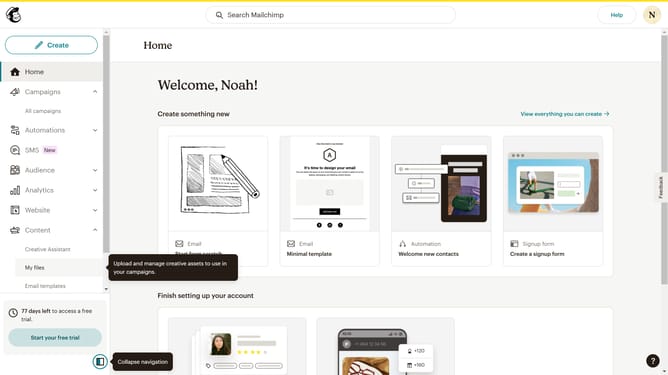
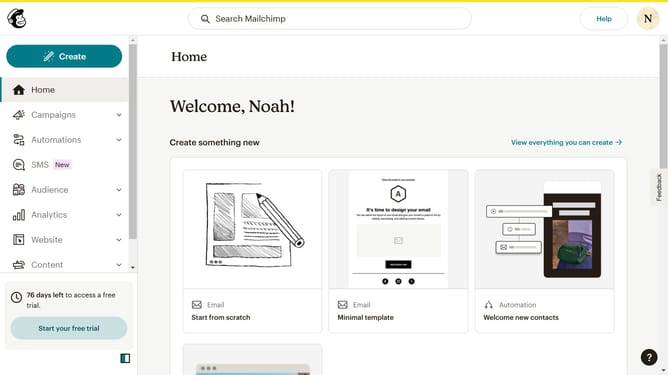
- First click on "Audience" item in the left sidebar menu
- Then click on "Surveys" link in the expanded Audience menu
- Next click on the "Testing Survey" link in the main content area under Recent surveys section
- Then click on "Go to survey details" button in the top navigation bar
- Finally click on "Create a new email" option in the Share your survey section
Why should you apply a survey on an email in Mailchimp
Mailchimp is a versatile platform designed to simplify and enhance your email marketing efforts.
Incorporating surveys into your emails using Mailchimp is a powerful feature that allows you to gather valuable insights directly from your audience.
Adding surveys to your emails not only engages recipients but also fosters a deeper connection by showing them that their opinions matter, boosting response rates and engagement.
Moreover, these insights help tailor future campaigns, ensuring they resonate better with your audience, ultimately driving success.
Last update