How to move emails to a folder in Mailchimp
Here is how to move emails to a folder in mailchimp
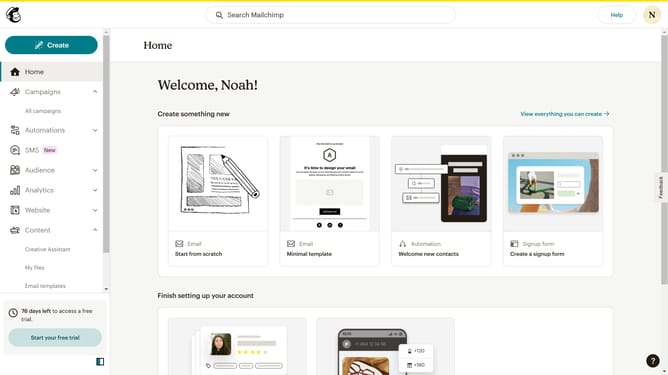
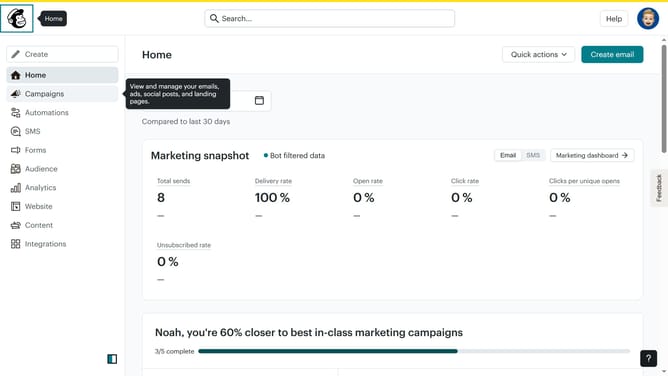
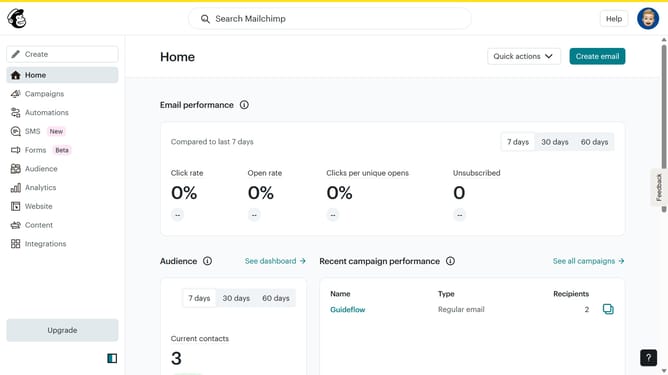
- First click on the "Campaigns" option in the left sidebar navigation menu
- In the main content area, click on the "Testing Email" campaign title to select it
- At the top of the content area, click on the "Move to" dropdown button
- Finally click the "Sample Emails" folder to insert the campaign
Why should you move emails to a folder in Mailchimp
Mailchimp is a leading email marketing platform designed to empower businesses to build and manage relationships with their audiences effectively.
The ability to move emails to a folder in Mailchimp helps you organize campaigns seamlessly, enhancing workflow efficiency.
This feature ensures that all your emails are neatly categorized and easily accessible, saving you time and stress. Keeping your emails organized allows for better analysis, more precise targeting, and a smoother user experience. Ultimately, it keeps your marketing efforts focused and efficient.
Last update