How to change background image of a landing page in Mailchimp
Here is how to change background image of a landing page in mailchimp
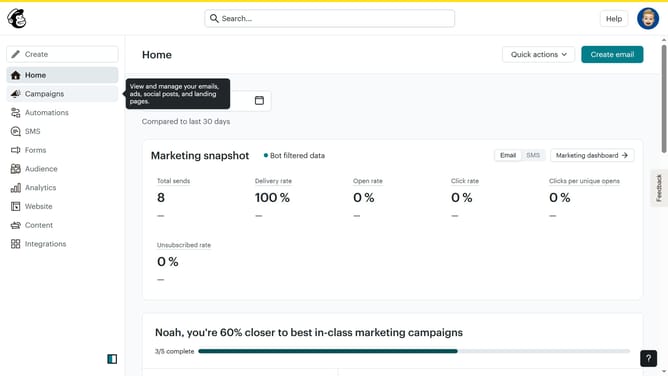
- First click on the "Campaigns" item in the left sidebar
- Then click on the "Edit" button
- Next click on the "Edit design" button
- Then click on the "Image" button
- Next click on the desired image in the "My Files" section
- Then click on the "Insert" button
- Finally click on the "Save & Close" button
Why should you change background image of a landing page in Mailchimp
Mailchimp is a powerful marketing platform designed to help businesses communicate effectively with their audiences.
Changing the background image of a landing page in Mailchimp can transform the visual appeal and impact of your campaign. A compelling backdrop sets the tone, enhances brand identity, and grabs attention.
Harnessing this feature allows for creative flexibility and the ability to tailor your message visually. It can significantly elevate user engagement, making your landing pages more memorable and effective.
Last update