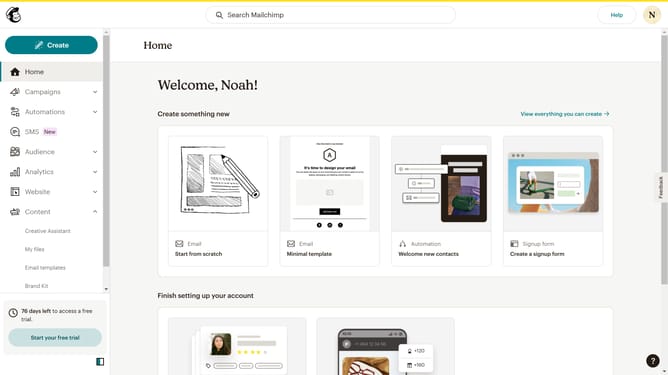
How to replicate an email in Mailchimp
Here is how to replicate an email in mailchimp
- First click on the "Campaigns" option in the left sidebar menu
- Then click on the "Edit" dropdown button next to the Testing Email campaign
- Finally click on the "Replicate" option from the dropdown menu
Why should you replicate an email in Mailchimp
Mailchimp is a popular marketing platform designed to help businesses streamline their email campaigns effectively.
The feature to replicate an email in Mailchimp allows users to create a duplicate of a previous email with just a few clicks.
This feature is a time-saver, making it easy to maintain consistency across multiple campaigns and ensuring branding and messaging are on point.
Using this option also enhances productivity, allowing marketers to quickly tweak old messages for new campaigns without starting from scratch.
Last update