How to create an audience field in Mailchimp
Here is how to create an audience field in mailchimp
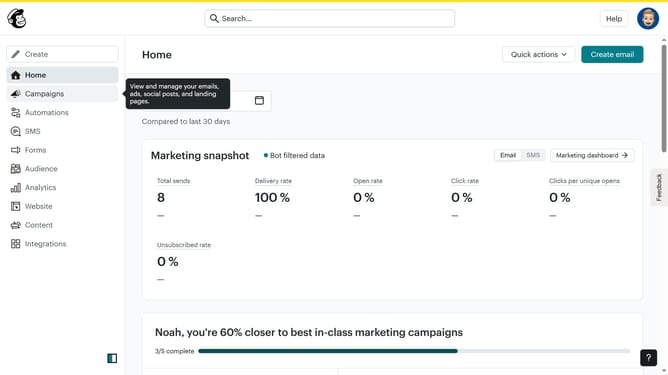
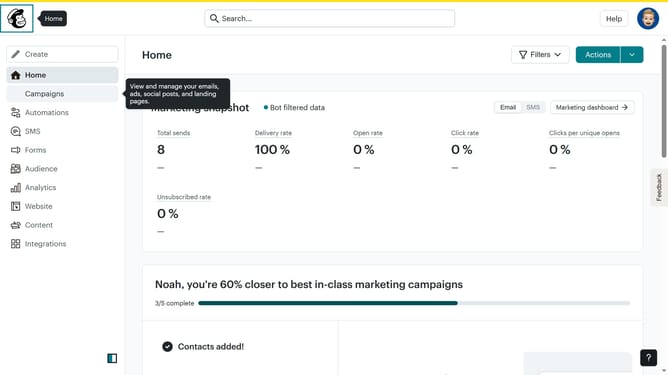
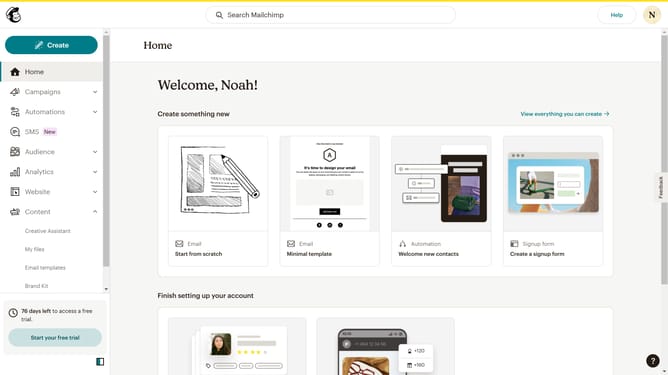
- First click on "Audience" in the left sidebar menu
- Next click on the "More options" button in the top-right corner of the Contacts page
- Then select "Audience fields and merge tags" from the dropdown menu
- Next click on the "Create a new field" button in the top-right corner of the page
- Enter "Properties" in the Field label input field
- Click on the "Data type" dropdown menu and select "Text"
- Click the "Required" checkbox to make this field mandatory
- Finally click the "Save" button to create the new audience field
Why should you create an audience field in Mailchimp
Mailchimp, a leading marketing platform, empowers businesses to streamline their email campaigns and strengthen customer engagement.
Creating an audience field in Mailchimp allows businesses to gather specific data about their subscribers, enhancing segmentation and personalization capabilities.
By adding unique audience fields, companies can tailor their communication strategies, ensuring messages resonate more effectively with varying customer interests and needs.
This targeted approach helps in fostering deeper relationships and ultimately drives improved marketing results.
Last update