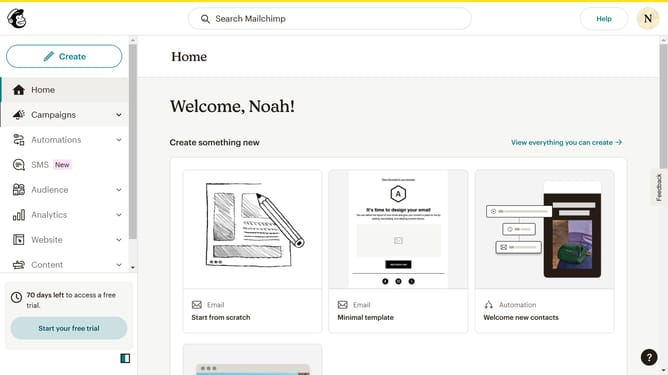
How to change filter your campaign status to completed in Mailchimp
Here is how to change filter your campaign status to completed in mailchimp
- First click on the "Campaign" button in the left sidebar navigation menu
- Then click on the "Type" dropdown filter in the campaign list header
- Finally select "Completed" option from the Status dropdown menu
Why should you change filter your campaign status to completed in Mailchimp
Mailchimp is a powerful marketing automation platform designed to help businesses manage their email marketing efforts efficiently.
Changing your campaign status to "completed" in Mailchimp allows you to efficiently organize and streamline your campaign management. This feature ensures that your ongoing and past campaigns are separated, helping you focus on current marketing strategies.
By filtering your campaign status, you can easily analyze completed campaigns, allowing for better decision-making and strategy planning based on past performance insights.
Last update