How to insert a button block in an email in Mailchimp
Here is how to insert a button block in an email in mailchimp
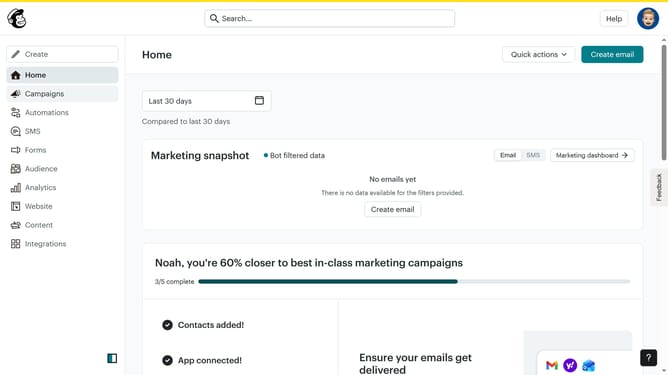
- First click on the "Campaigns" menu item in the left sidebar
- Then click on the "Edit" button next to the Testing Email campaign
- Next click on the "Edit design" button in the email preview panel
- In the left sidebar, click on the "Button" block element to add it to your email design
- Click on the URL input field in the left settings panel and enter the button's destination URL
- Finally click on the "Add button text" placeholder in the email preview area to customize the button's text
Why should you insert a button block in an email in Mailchimp
Mailchimp is a dynamic marketing platform designed to empower businesses with effective communication tools.
Inserting a button block in an email in Mailchimp is a feature that seamlessly enhances your email marketing efforts. A button block allows you to integrate clickable call-to-action elements directly within your email content.
This feature is particularly beneficial because it helps to drive engagement, guiding recipients toward specific actions like visiting a website or downloading a resource. By using button blocks, you create a visually appealing, interactive experience that encourages user interaction.
Last update