How to add social media links to Mailchimp
Here is how to add social media links to mailchimp
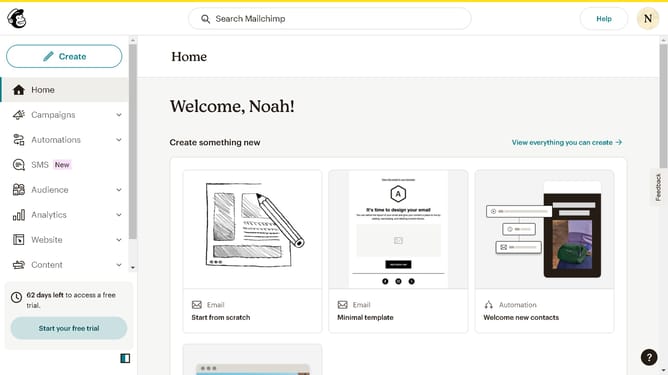
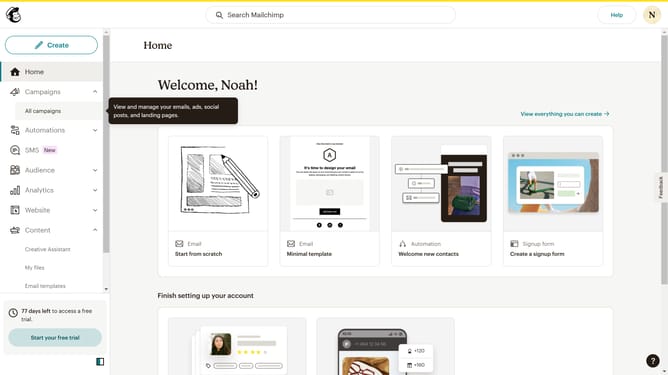
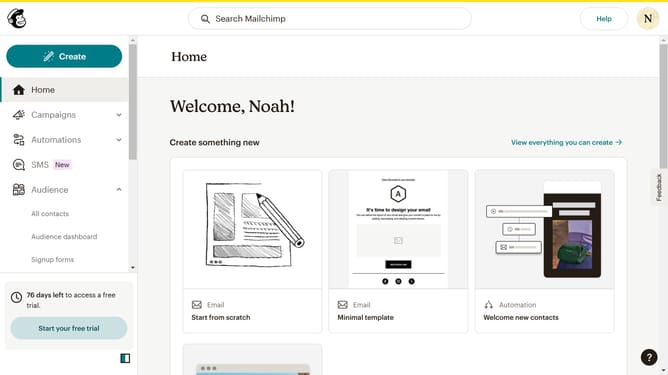
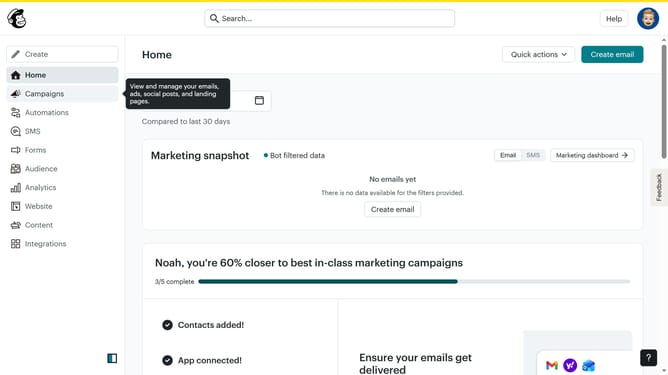
- First click on "Create" link in the main navigation panel
- Then click on "Design Email" button in the Regular email section
- Next click on "Design email" button in the email configuration panel
- Click on "Apply" button to select the template
- Click on "Social" block in the content editing sidebar
- Click on "Social" block in the content blocks panel
- Here you can edit the attributes of your social block to your liking
Why should you add social media links to Mailchimp
Mailchimp is a versatile platform designed to make managing your email marketing campaigns simple and effective.
Adding social media links to your Mailchimp emails enhances your outreach by creating seamless connections between your email content and your social media presence.
This feature allows you to conveniently direct your subscribers to your social media channels, fostering greater interaction and community building. By integrating social links, you encourage audience engagement across multiple platforms, amplifying your brand's visibility and reach.
Last update