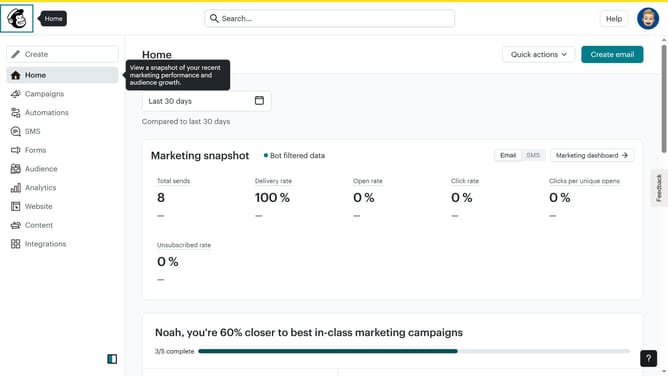
How to rename a survey in Mailchimp
Here is how to rename a survey in mailchimp
- First click on "Audience" item in the left sidebar
- Then click on "Surveys" item in the left sidebar
- Then click on the dropdown arrow next to "View results" across the survey title that you want to edit
- Then click on "Rename" option in the dropdown menu
- Then click on the "Survey name" input field and edit it
- Finally click on "Save" button
Why should you rename a survey in Mailchimp
Mailchimp is a versatile platform for managing email marketing campaigns and audience engagement with ease.
One of Mailchimp’s intuitive features is the ability to rename surveys. This feature enhances organization and clarity, especially for those managing multiple surveys simultaneously.
Renaming a survey allows users to reflect the current theme or purpose of the survey, making it instantly recognizable and coherent for streamlined internal communication and record keeping.
The convenience of adapting survey titles to better suit evolving project phases ultimately maximizes the efficiency in organizing marketing efforts.
Last update