How to filter your campaign status to ongoing in Mailchimp
Here is how to filter your campaign status to ongoing in mailchimp
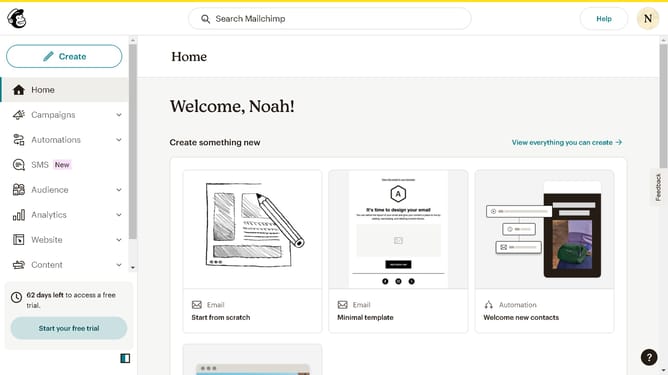
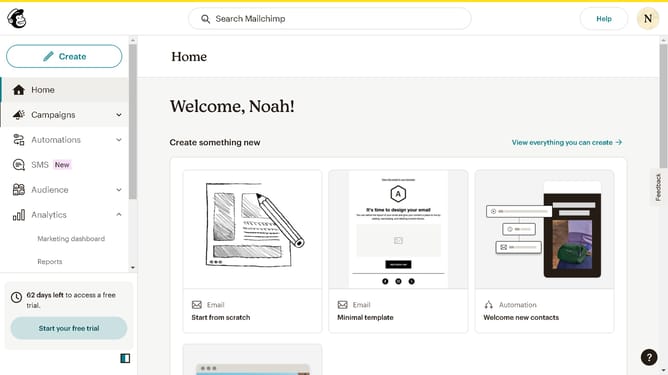
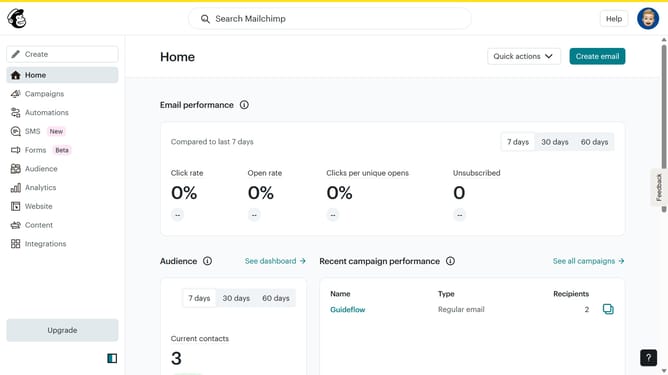
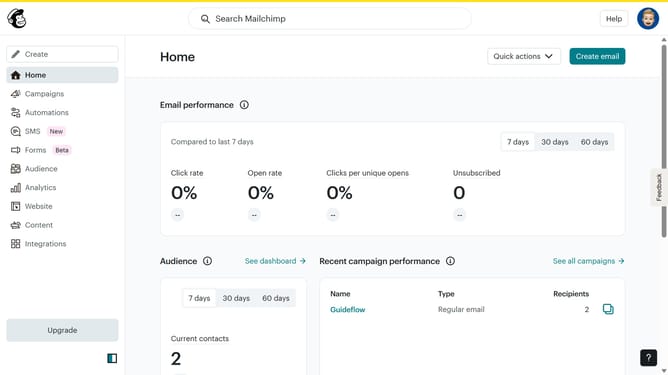
- First click on the "Campaign" button in the left sidebar navigation menu
- Then click on the "Status" dropdown filter in the campaign list header
- Finally select "Ongoing" option from the Status dropdown menu
Why should you filter your campaign status to ongoing in Mailchimp
Mailchimp is a versatile platform designed to empower businesses in managing their email marketing efforts seamlessly.
An essential feature within Mailchimp is the ability to filter your campaign status to ongoing, enabling marketers to effortlessly track active campaigns.
This functionality ensures that users can stay organized, focusing on live campaigns that require immediate engagement and analysis.
Embracing this feature allows for optimized resource allocation, enhanced oversight, and streamlined campaign management, ultimately driving successful marketing outcomes.
Last update