How to delete a reply on a campaign in Mailchimp
Here is how to delete a reply on a campaign in mailchimp
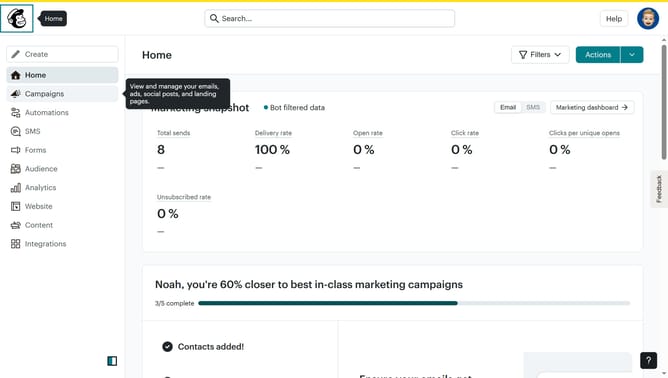
- First click on "Campaigns" in the left sidebar menu
- Then click on "WIP" campaign from the campaign list
- Next click on "Edit design" button in the email preview section
- Click on "Comment" button in the top toolbar of the email editor
- Next click on the menu icon in the comment section to access additional options
- Then click on the "Delete reply" option in the comment menu to remove the response
- Finally click on the "Delete" button in the bottom right corner of the pop-up window panel
Why should you delete a reply on a campaign in Mailchimp
Mailchimp is a dynamic platform designed to help businesses communicate effectively through intuitive email marketing.
One of its useful features is the ability to delete a reply on a campaign, ensuring you maintain control over the communications associated with your marketing efforts.
This feature is instrumental in managing your campaign's responsiveness and helps maintain a clutter-free environment, bearing positive outcomes for an organized customer interaction. Removing unwanted replies keeps your communication streamlined, which can enhance the overall message clarity.
Last update