How to change filter your campaign status to draft in Mailchimp
Here is how to change filter your campaign status to draft in mailchimp
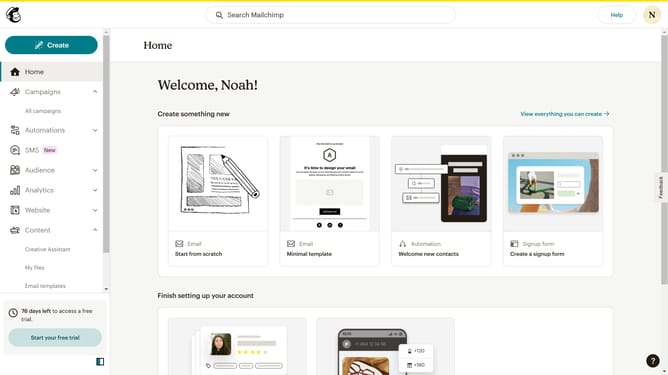
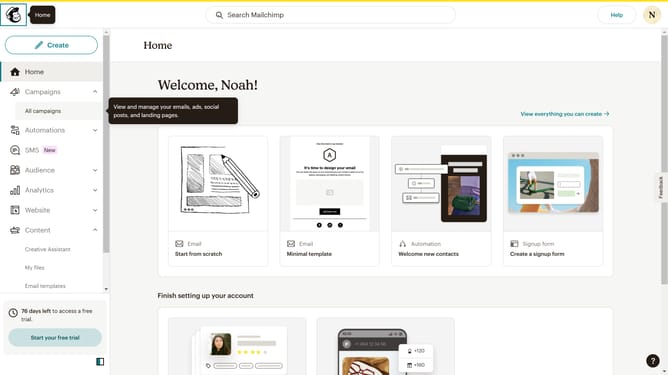
- First click on the "Campaign" button in the left sidebar navigation menu
- Then click on the "Type" dropdown filter in the campaign list header
- Finally select "Draft" option from the Status dropdown menu
Why should you change filter your campaign status to draft in Mailchimp
Mailchimp is your go-to platform for effortless email marketing and audience engagement.
Changing the filter of your campaign status to draft streamlines your workflow by allowing you to focus on campaigns that are still in progress or need edits.
This feature is beneficial as it simplifies navigation and prioritizes tasks, ensuring you can easily access and refine campaigns without distraction.
Ultimately, it enhances your productivity by keeping your workspace organized, helping you save time and improve campaign quality.
Last update