How to integrate Mailchimp with Gmail
Here is how to integrate mailchimp with gmail
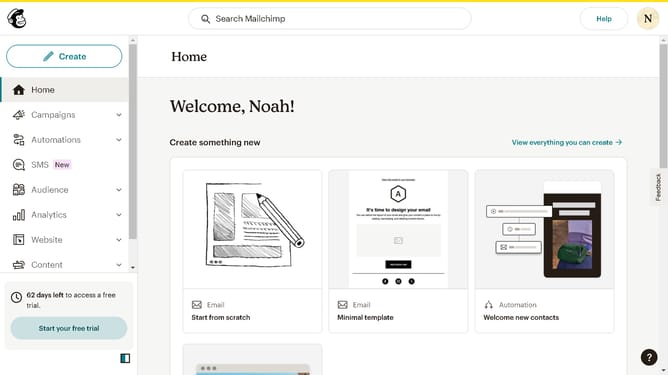
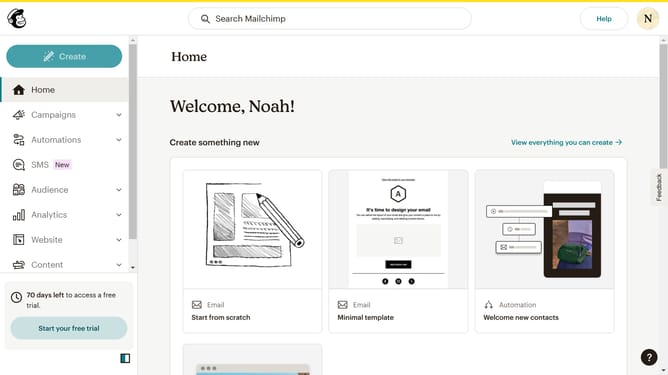
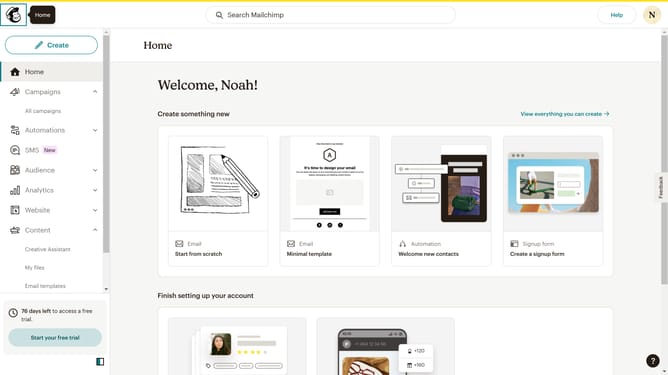
- First click on the "Create" button in the top navigation bar
- Then click on "Zaps" in the dropdown menu
- Click on the "Trigger" section to begin setting up your Zap
- Select "Gmail" from the list of available apps
- Click on "Choose an event" dropdown in the trigger configuration
- Click the "Continue" button
- Click on "Inbox and all labels" in the label selection dropdown to put a label
- Click on the "Continue" button
- Click on "Test trigger" button to verify the Gmail trigger
- Click on "Continue with selected record" button
- Select "Mailchimp" from the list of available apps
- Click on "Choose an event" dropdown in the Mailchimp action configuration
- Click the "Continue" button
- Click on "Choose value..." dropdown for the Audience selection
- Click on the "Enter text or insert data..." field for Email Address
- Then click "Continue"
- Click on "Publish" button in the final test step
Why should you integrate Mailchimp with Gmail
Mailchimp is a leading email marketing platform designed to help businesses effectively connect with their audience.
Integrating Mailchimp with Gmail seamlessly combines the powerful email marketing tools of Mailchimp with the everyday communication of Gmail.
This integration allows users to manage and send personalized marketing emails directly from their Gmail accounts.
By harnessing the strengths of both platforms, businesses can streamline their communication processes, ensuring efficiency and increased customer engagement.
Last update