How to remove image border in a landing page in Mailchimp
Here is how to remove image border in a landing page in mailchimp
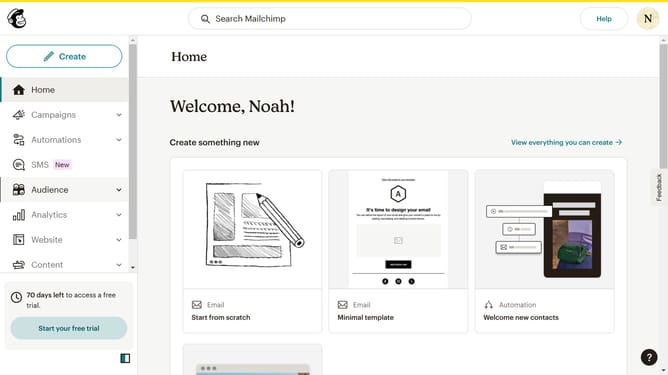
- First, click on the "Campaigns" item in the left sidebar navigation
- Then, click on the "Edit" button
- Next, click on the "Edit design" button
- Then, click on the pencil icon
- Next, select the "Style" tab
- Then, click on the "Remove" button under the "Border" section
- Finally, click on the "Save & Close" button
Why should you remove image border in a landing page in Mailchimp
Mailchimp is a dynamic platform designed to simplify and enhance your marketing campaigns.
One standout feature is the ability to remove image borders in landing pages, offering an uncluttered look that draws direct attention to the visuals. This design choice emphasizes your content, providing a sleek, professional appearance that can enhance brand perception.
By omitting borders, you create a visually cohesive page that can significantly improve user engagement and conversion rates, turning casual visitors into loyal customers.
Last update