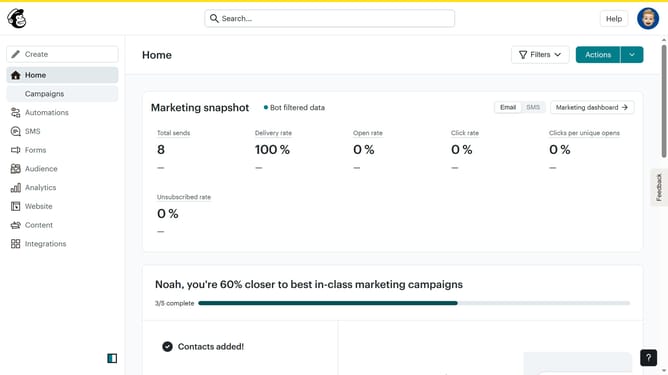
How to generate a survey form in Mailchimp
Here is how to generate a survey form in mailchimp
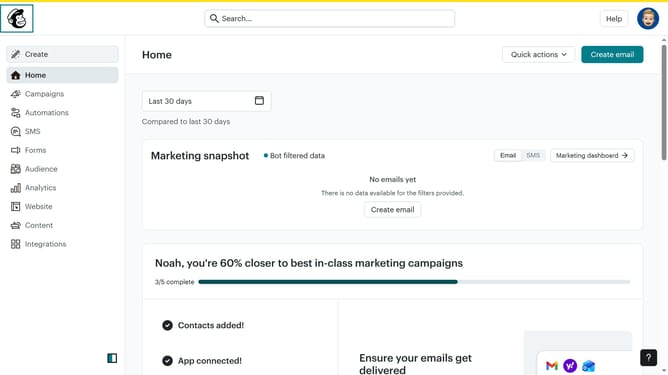
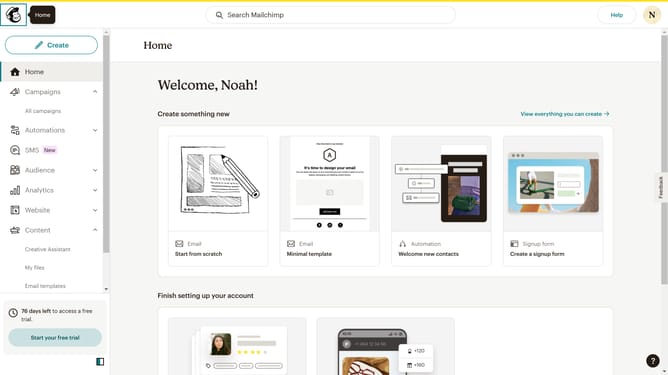
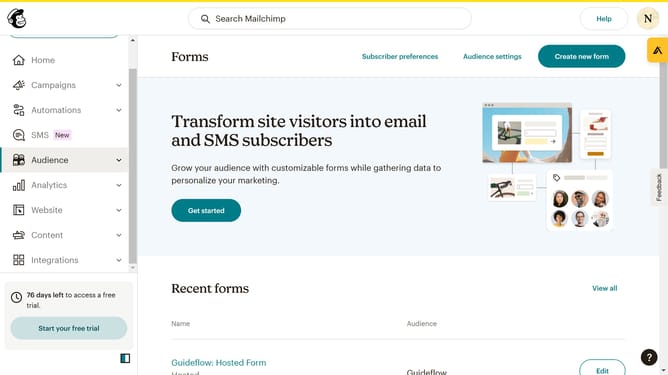
- First click on "Audience" item in the left sidebar menu
- Then click on "Surveys" link in the expanded Audience menu
- Next click on "Create new survey" button in the top right corner
- Then click on the survey name input field
- Next enter "Sample Survey" in the survey name field
- Then click on the Audience dropdown menu
- Finally click on "Begin" button to start creating the survey
Why should you generate a survey form in Mailchimp
Mailchimp is a powerful tool designed to streamline and enhance your marketing efforts.
With Mailchimp, generating a survey form is a seamless process, enabling you to gather crucial feedback from your audience efficiently.
Survey forms in Mailchimp help you connect with your audience, understand their needs better, and make data-driven decisions.
Harnessing this feature allows businesses to improve their services and customer satisfaction, ultimately fostering growth and loyalty.
Last update